


The wall behind your counter is a fixed fact. The menu board that hangs on it is not. The right size changes with how far your customers stand, how many items you sell, and how bright the room runs. It also changes with whether the panel has to be a shape nobody keeps in stock. This guide walks the chain in order. First, what “size” actually means, then the rule that decides it. Next, the specs that make a size usable and the formats for walls that a standard 16:9 panel does not fit. It ends with how the whole thing becomes a purchase order.
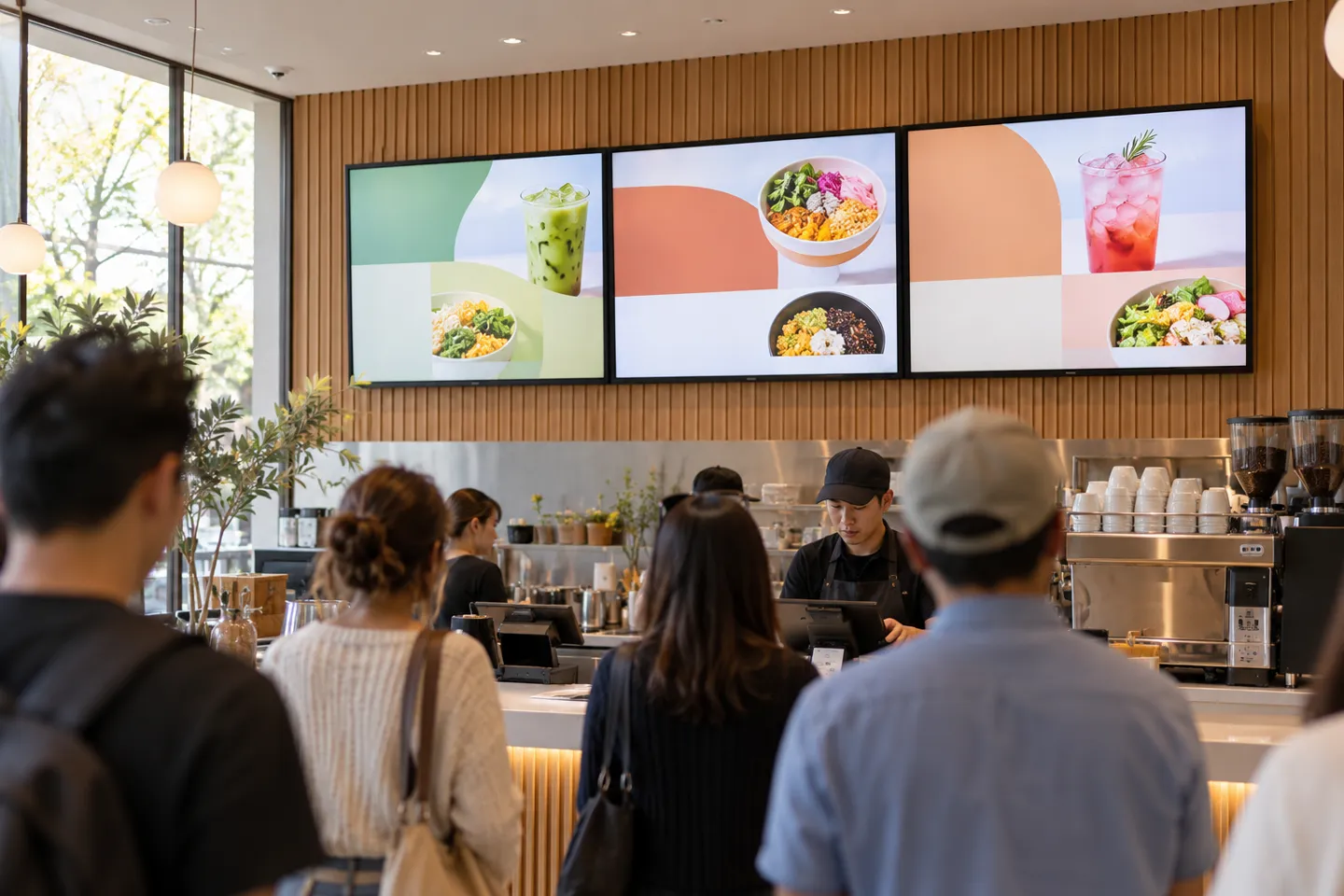
What “Size” Means for a Digital Menu Board
“Size” gets used for three different measurements, and mixing them up is the cheapest mistake in the whole project. The first is diagonal inches: the number every catalog and every search result quotes. The second is the case dimensions: the width, height and depth of the actual chassis. That is what your wall, niche or frame has to accept. The third is the canvas in pixels: the file your menu template is built on. It matters to whoever designs the layout, not to whoever swings the hammer.
Diagonal and case are close but never equal. For a 16:9 screen, the visible picture is about 87% of the diagonal in width and 49% in height. A 32-inch picture is therefore about 27.9 by 15.7 inches before the bezel. Measure the actual case dimensions on the model you plan to order, and leave service and replacement clearance around any built-in niche.
For the person building the menu file, the canvas starts at 1920 x 1080 for landscape screens and 1080 x 1920 for portrait. Printed poster sizes such as 18 x 24 or 24 x 36 inches belong to the board behind the counter of a decade ago. A sheet of letter paper is not a menu board, and nobody in a line can read one from 15 feet. One more family of sizes sits off the standard diagonal ladder: stretched bar panels and square panels. They exist for walls and menus that a 16:9 rectangle serves badly. The format section below covers when those beat a bigger rectangle.
Three meanings of “size”
Diagonal inches
What catalogs quote: the number every search result carries.
Case width x height
What the wall must fit; add 1 to 2 in of margin.
Canvas pixels
What the template needs: 1920 x 1080 landscape, 1080 x 1920 portrait.
The Rule That Decides the Size: Viewing Distance, Letter Height and Item Count
Step one is a tape measure: measure from the board to the back of a normal lunch line, not just to the register. Use one inch of capital-letter height per 10 feet as a starting point for a mock-up, then test the actual font, contrast and item density from that farthest reading position. The U.S. Access Board’s visual-sign guidance also scales character height with mounting height and viewing distance; use it as a legibility cross-check, not as a menu-board compliance claim.
Step two converts letter height into how many items a screen can carry. Assume one line per item, line spacing at 1.6 times the letter height, and 75% of the panel height for the list. At 10 feet, a 43-inch screen carries about 10 items per column. A 55-inch screen carries about 15 items per column at 8 feet, about 10 at 12 feet, and about 6 at 20 feet. Two columns on a landscape panel double each figure.
The sizing chain
Measure the line
To the back of the queue
Set letter height
1 inch per 10 ft
Count the items
1.6x spacing, 75% height
Add screens
3 or 4 plus one promo
Step three is a warning about sizing by diagonal alone. A fixed rule such as “add 5 inches of screen for every 10 feet of distance” does not account for font size or item count. Build the menu at its intended resolution and read it from the back of the line before choosing a panel.
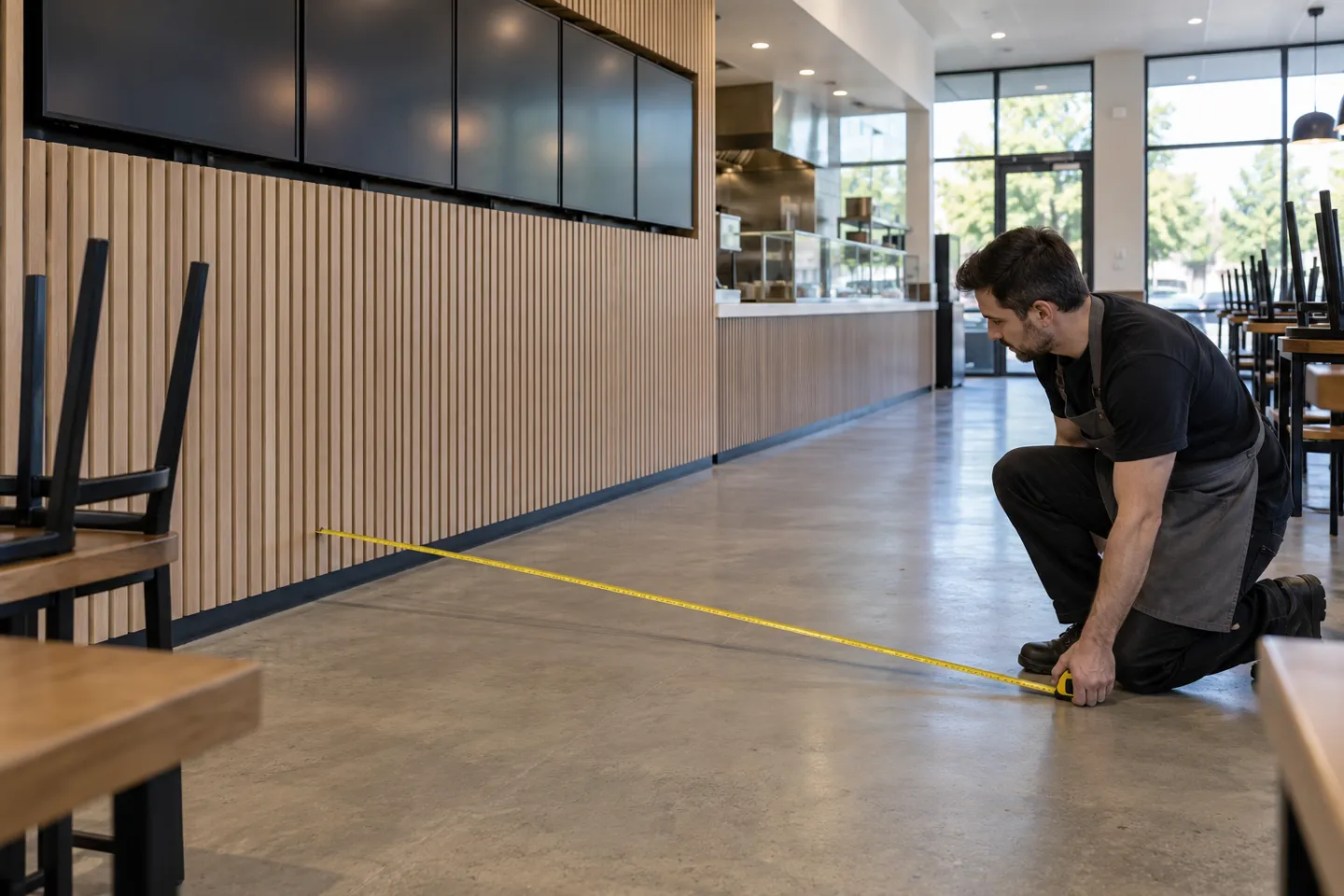
Step four settles the long-menu problem, and the answer is almost never a bigger panel: it is more panels. The standard counter build is three or four screens in a row plus one promo screen. Mount the row with the bottom edge 6.5 to 7 feet off the floor. Before ordering anything, tape the outline of every screen on the actual wall and read it from the back of the line.
Wall width by screen size and row count (landscape, including a 1-inch gap)
| Screen | Row of 2 | Row of 3 | Row of 4 | Row height |
|---|---|---|---|---|
| 43 in | 6.5 ft | 9.8 ft | 13.0 ft | 22.0 in |
| 50 in | 7.5 ft | 11.3 ft | 15.1 ft | 25.4 in |
| 55 in | 8.2 ft | 12.3 ft | 16.5 ft | 27.9 in |
| 65 in | 9.7 ft | 14.6 ft | 19.4 ft | 32.8 in |
A row also needs clearance at the sides so it does not collide with a hood, door frame or corner. Confirm the combined weight of the selected panels and mounting rail with the installer before specifying the wall structure.
The Spec Sheet Behind the Size: Brightness, Runtime, Temperature
Two panels can both say 43 inches on the box and behave nothing alike once mounted. The diagonal decides whether the board fits the wall. The spec sheet decides whether it still works six months later. This is the part of “size” that catalogs quietly skip.
Brightness by Position
Brightness is measured in nits, but the required level depends on ambient light and reflections at the mounting position. Check the panel’s measured brightness and duty rating, then test a sample in the actual counter location during the brightest operating hours. For the menu artwork, W3C guidance provides a useful contrast benchmark: 4.5:1 for ordinary text and 3:1 for large text.
Windows and drive-thru lanes need separate checks for direct sun, glass reflections, heat, rain and dust. Specify an outdoor-rated enclosure or display for a drive-thru and request a site-specific brightness and weather-resistance recommendation from the supplier. Check the enclosure’s stated IP code against IEC 60529 rather than assuming that “outdoor” describes a specific protection level.
Resolution follows reading distance and content density. Full HD can suit a simple counter menu; finer text viewed close up may benefit from a higher-resolution panel. Test the final menu file at the intended distance instead of choosing resolution by diagonal alone.
For each mounting position, confirm measured brightness, operating hours, temperature range and weather rating on the exact model specification sheet. Test readability on site before placing a volume order.
Duty Rating, Panel Life and the Burn-In Truth
Check the manufacturer’s rated operating hours, mounting orientation and warranty terms for each candidate display. A consumer television may be unsuitable for long daily service or a commercial installation; confirm its permitted use in writing before buying. Compare total cost over the planned service period, including expected replacements and downtime.
Panel life and operating temperature vary by model, especially near cooking equipment or behind glass. Request the exact panel life and temperature specifications. Static menus can also cause image retention on some displays; rotate layouts when practical and follow the panel maker’s care instructions.
Installation space is the last spec hidden inside “size.” Measure the actual chassis and mounting pattern, then allow enough clearance for ventilation, service access and a future replacement model.
The practical reason for this specification work is simple: the menu is a working sales surface. If guests cannot read it reliably at the busiest hour, the screen is the wrong fit regardless of its diagonal.
Four failures that start at the spec sheet.Too dim: a window panel looks switched off by mid-morning. Consumer TV on long duty: confirm the permitted daily runtime and warranty for the selected model. Burn-in: months of one static layout marks OLED permanently; LCD retains temporarily. Heat: heat near a kitchen wall can exceed the selected panel’s rated operating range.
When Standard 16:9 Doesn’t Fit: Choosing a Format
Sometimes the wall refuses the rectangle. Sometimes the menu itself does: a 30-item drinks list will not fit any landscape panel at counter distance. A narrow strip above shelving will not take a 43-inch box. Format is the second half of the size decision, and the catalog ladder does not cover it.
The Five Formats and Where Each Wins
Landscape 16:9 suits rows over a counter and short item lines in multiple columns. Portrait 16:9 gives a longer vertical list. For a drive-thru, test the layout from a vehicle at the expected stopping distance and confirm outdoor brightness, enclosure and mounting requirements.
Five canvas formats at a glance
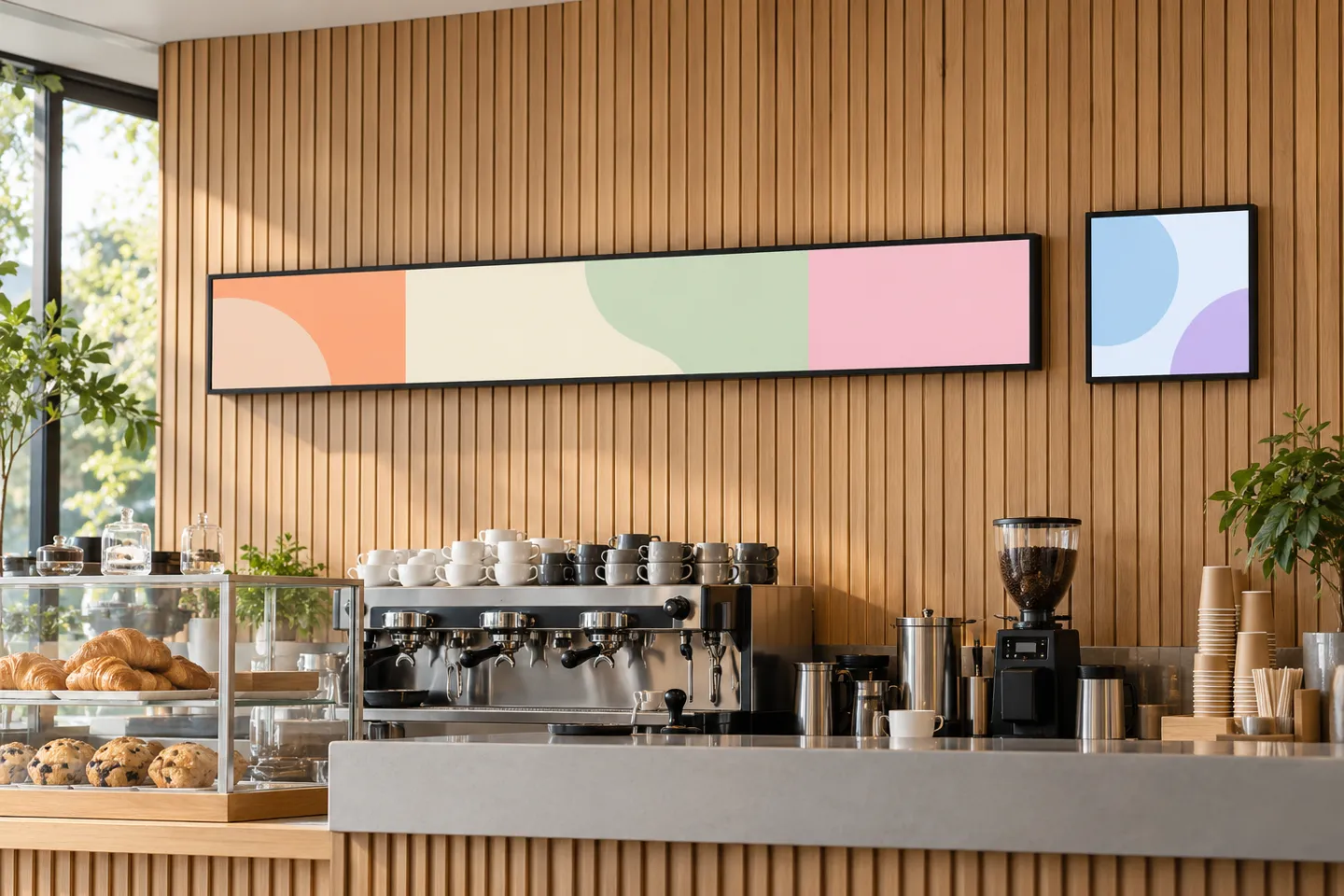
Square 1:1 panels, built on 1920 x 1920 canvases, fit the positions a rectangle serves badly. Think counter-top promo boards, drink stations, and symmetric brand layouts where a wide panel would hang off the counter edge. Stretched bar panels are the long thin strip family, with 1920 x 360-class resolutions in diagonals from about 24 to 47.6 inches. They work as a horizontal bundle strip above a shelf, a vertical menu column running beside the main board, or the only thing that fits a 5-inch-tall wall band. Shelf-edge strips (1920 x 158 up to 3840 x 160 across 23.1 to 47.1-inch lengths) belong mostly to retail shelving: they price items at the shelf. In food retail that is the same job a menu board does at the counter. Round panels close the map: they earn their spot at bar backwalls and brand displays, not as menu workhorses.
Format Boundary Matrix
A format is only as good as its failure conditions are known. The matrix below is the checklist to run before committing.
Format boundary matrix: what each format wins and where it fails
| Biçim | En uygun seçenek | Fails when / check this first |
|---|---|---|
| Landscape 16:9 | counter menu walls, rows of 2-4 | long single-column menus run out of rows; check wall width against the row chart |
| Portrait 16:9 | vertical lists, drive-thru stacks, tight walls | check ceiling height (a row of four 55 in portrait panels stands ~48.7 in tall) and that the player supports portrait rotation |
| Square 1:1 | counter-top boards, drink stations, symmetric layouts | most templates assume 16:9; confirm a 1920 x 1920 layout exists before buying |
| Stretched bar (1920 x 360 class) | bundle strips, narrow wall bands, second screens | confirm the media player outputs native bar resolution, or you get black bars or stretch; compare the exact model brightness with the lighting at the proposed position |
| Shelf-edge strip (to 3840 x 160) | food retail shelf pricing, adjacent to the menu wall | not a menu board; it prices at the shelf; confirm shelf rail depth and mounting clip type |
Ground checks close the decision: tape every outline on the wall and read a full-size mock-up from the back of the line. For a row of screens, request matching models and compare color consistency on actual samples.
Buying by the Numbers: From Catalog Sizes to Custom
Standard sizes are a catalog transaction, and the verification list is short. Check the panel brand and grade, the measured brightness with its duty tier, and the operating system or player inside the panel. Add the warranty years, the lead time, and whether the supplier will contract batch consistency for multi-panel walls.
Send the verification list as your RFQ and Zhsunyco returns brightness, duty tier and batch-consistency terms in writing.
Start a catalog-panel RFQBudget by complete installed system: panel, player, mount, wiring, software, installation and service. Ask vendors to quote hardware and recurring charges separately, then compare like-for-like specifications. A one-screen indoor counter and a multi-screen outdoor installation require different budgets.
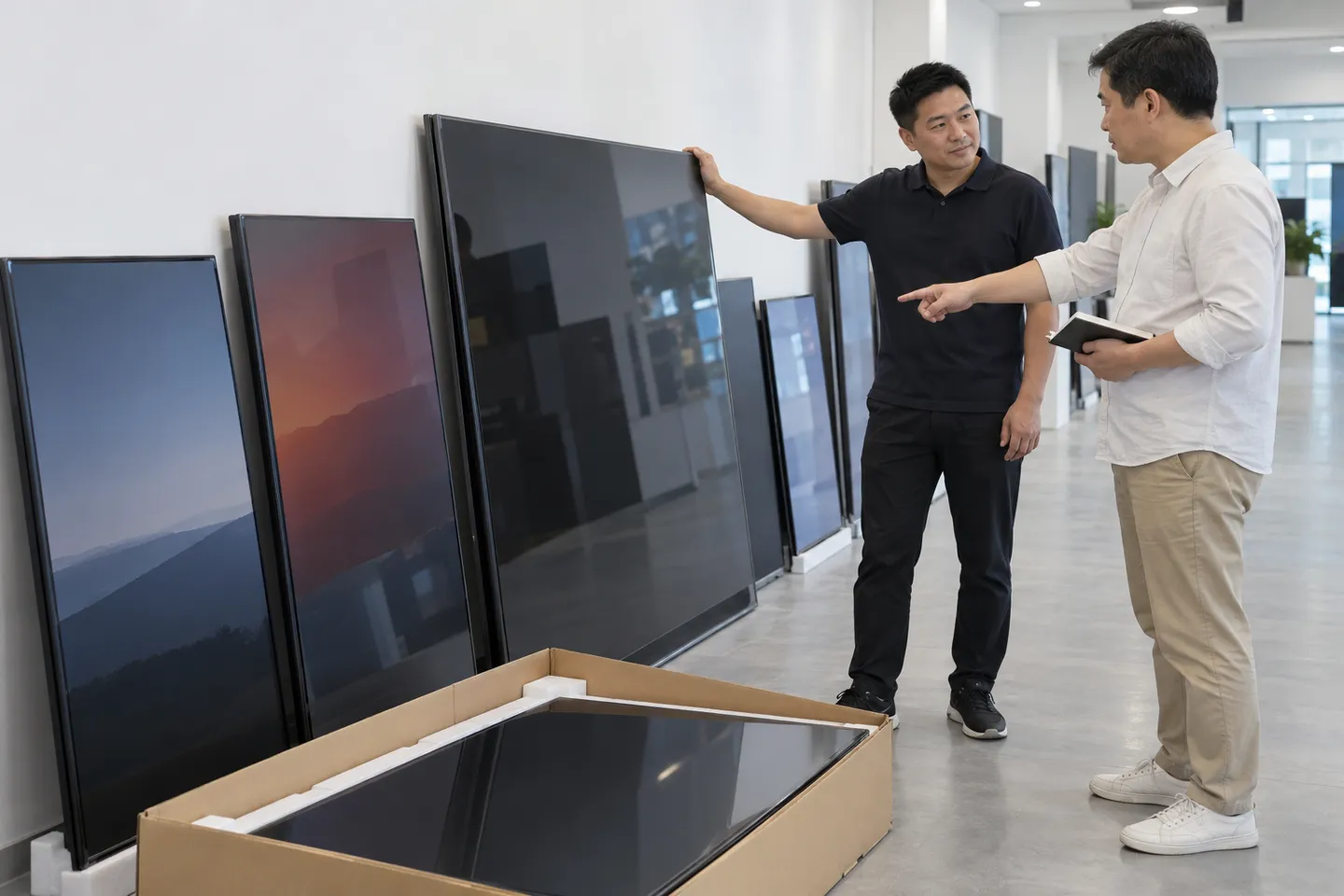
Custom sizes run on different mechanics, and three questions come before any price talk. First, which diagonals fall in the panel factory’s efficient cutting window for the current glass generation? Those cut cheap. Second, what do tooling and structural parts cost for the chassis? Third, what is the minimum order and sample policy? Sample lead time and batch lead time are two different numbers; get both in writing. When the MOQ and batch-consistency cost exceed what the odd size earns, the honest answer is a standard panel plus a bracket or a trim solution. A supplier who says so is worth keeping.
Request-for-quote checklist
This is also where a non-standard format stops being a risk. Bars and squares are the panels that actually solve tight walls and long lists, and suppliers that build them as standard lines take single-unit orders on the LCD side. Its published bar-display page lists sample delivery in 3 to 5 days, bulk shipment in about 7 days and orders from one unit; confirm current terms for the chosen model in the quote. Zhsunyco builds stretched bars in 24, 29, 37 and 47.6 inches, with resolution varying by model, and a 22-inch square panel at 1920 x 1920 alongside the conventional sizes. Custom dimensions, bezel colors and operating temperatures go through its custom-size LCD displays service, so a non-standard layout does not have to arrive with a container-sized commitment.
The Menu Board Business: Where Margin Lives
Read the whole chain back as a reseller or an integrator and the economics sort themselves into three layers. The sizing work is a service. Quoting “a 43-inch” is a price check anyone with a browser can run. Quoting “1 inch of letter height per 10 feet, 10 items per column, three screens plus a promo panel, 12.3 feet of wall” is a site survey. The worksheet that produces it belongs in every proposal you hand out, because it is the part competitors cannot copy from a catalog.
The spec work is insurance. The position-by-position table of brightness, duty rating and temperature kills most post-installation disputes at the quote stage, when they cost nothing. Left alone, the same disputes surface at the service visit, when they cost the account.
The format work is the differentiation. Standard diagonals are easy to compare by price. Stretched bars, squares and portrait stacks solve walls that standard rectangles do not fit. Stock standard sizes according to demand and quote unusual formats against a real project brief, including sample, lead time and warranty terms.
Standard and Non-Standard Menu Boards, Quoted From One Factory
Compare classic 16:9 panels next to stretched bars and squares, with spec sheets and MOQ terms attached for your quote request.
Request a Menu Board QuoteReferanslar
- U.S. Access Board. Chapter 7: Signs – visual character guidance.
- W3C Web Accessibility Initiative. Understanding Contrast (Minimum).
- International Electrotechnical Commission. IEC 60529: Degrees of protection provided by enclosures.

 English
 Russian
 Spanish
 German
 Arabic
 French
 Bulgarian
 Polish
 Romanian
 Turkish
 Portuguese