


A 43-inch screen behind the counter, a media player and software are only the visible parts of a digital menu board quote. The total changes with screen grade, mounting, wiring, installation and recurring service. Compare complete installed systems instead of a headline price per screen.
Published menu board prices often disagree because they describe different scopes. Before comparing quotes, record the number of screens, display grade, software model, content work, installation and support included in each one.
Quote comparison: list the panel model, player, software term, mount, wiring, installation, content, power and warranty for each scenario before comparing totals.
Five cost factors explain almost every quote you will receive: the grade of the screen, the size and form factor, the software model, the installation conditions, and who produces the content. The rest of this article walks through each one in the order your budget will meet them.
Why the Same Screen Size Sells for Three Different Prices
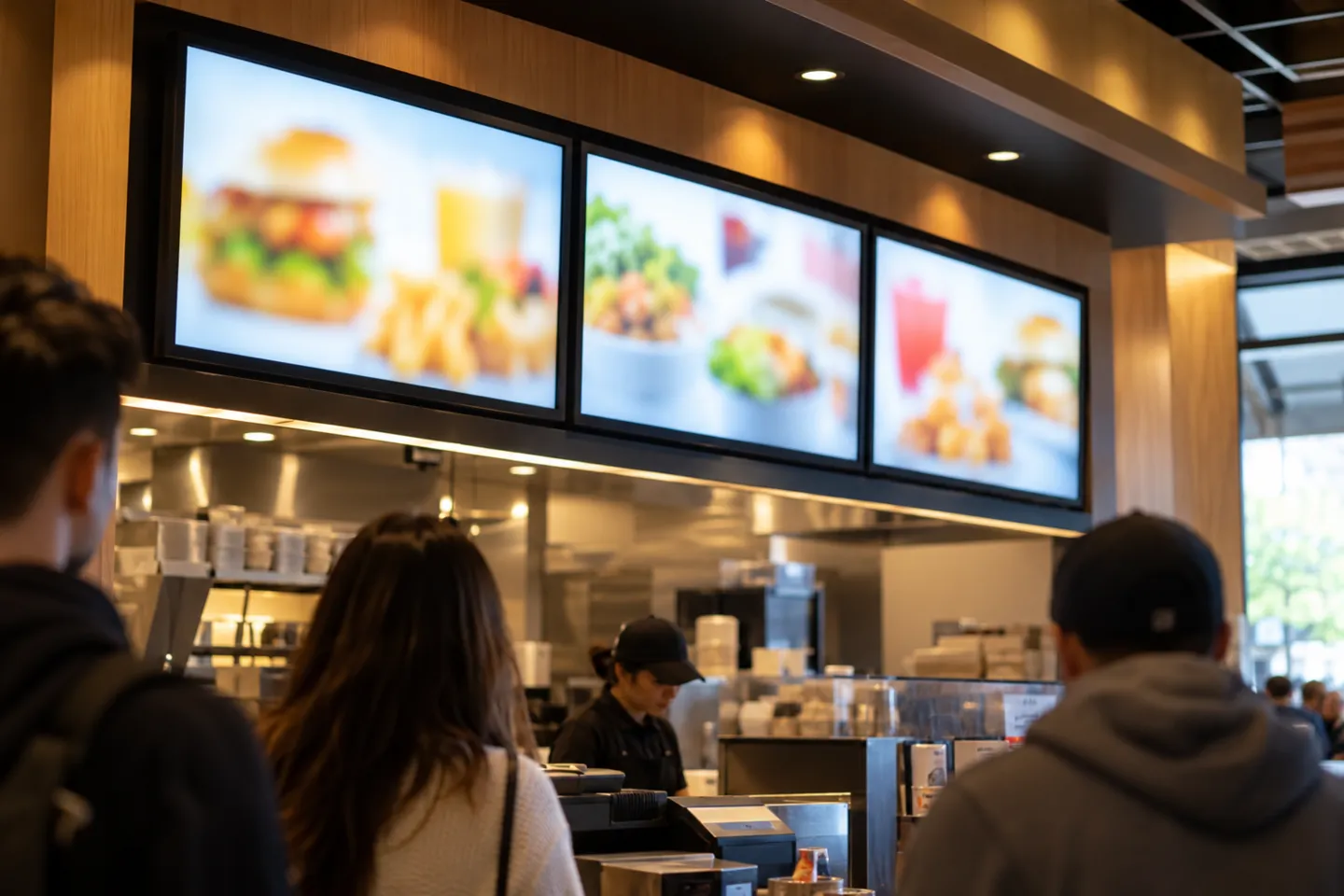
Two 43-inch screens can sit side by side in a catalog and both listings may call themselves menu-board ready. The gap is not a scam and not a coincidence. It tracks how many hours a day the screen is built to run, how bright it gets, and what happens to the warranty the day you hang it in a business.
When a Consumer TV Is Enough
A consumer TV can be a reasonable trial for a small cafe with short opening hours, limited menu changes and a screen away from direct sun and kitchen heat. The operator discussion in r/digitalsignage shows why some owners start with an existing TV and a basic player. Check the TV warranty, rated duty and playback behavior before using that approach.
The boundary shows up fast when the setup is pushed past what it was built for. In one documented case, an owner exported a menu video to a USB stick, and the TV played it at the wrong resolution, refused to loop it, and fell back to the built-in menu interface in front of customers; the fix was buying a dedicated signage player (r/restaurateur, 2017). If you go this route, test the exact file format, resolution and loop behavior on the exact TV model before opening day, not after.
The screen-grade ladder: compare consumer TVs, commercial signage displays and outdoor units by the exact model’s duty rating, brightness, mounting approval, operating range and written warranty. Request installed prices for each option.
What the Commercial Grade Premium Buys
A commercial signage display may offer a higher operating-duty rating, better brightness control and features meant for unattended use. ENERGY STAR distinguishes signage displays designed for continuous operation. Compare the actual model specifications and warranty terms; the label “commercial” alone does not establish a useful lifespan.
The useful comparison is annualized installed cost: purchase price plus player, software, installation, power, service and any expected replacement over the intended holding period. A higher initial panel price can be justified when the model’s duty rating and support terms fit the operating schedule.
Two grades above commercial sit the outdoor high-brightness tier, built around 2,500+ nits and weatherproof enclosures for drive-thru use, and the industrial 24/7 tier for environments that never power down. Most indoor menu projects never need either, but knowing they exist keeps a supplier from upselling you into them.
Consumer TV warranties frequently exclude commercial use. If the screen dies in year two of a business deployment, the replacement is out of pocket. Before buying, read the warranty’s deployment-terms clause, not just its duration.
The Warranty Clause Nobody Reads
Warranty terms can change the real cost of a low-price screen. Check whether the chosen model permits the proposed business use, who pays for removal and replacement, and how long parts and labor are covered. The FTC’s warranty guidance is a useful starting point for reading the written terms, but the product’s own warranty controls the project.
Heat, steam and grease near a cook line can affect a display and its enclosure. Ask the installer to compare the mounting location with the selected model’s operating-temperature and ventilation specifications, then include cleaning and service access in the quote.
The annualized math
Spec Tiers, Deployment and the Costs After the Screen
Once you are buying commercial hardware, the quote stops being one number and becomes a stack of decisions: panel spec, form factor, mounting, and everything that happens after the screen arrives. This is the section to read with your floor plan open.
Spec Tiers and What They Cost
Menu boards cluster into three form-factor families. Standard-format panels suit menu walls and single large displays. Square panels suit compact counters and near-field menus. Stretched bars fit narrow shelf-adjacent or above-counter spaces where a standard 16:9 rectangle wastes room. Check the exact dimensions and native resolution for each model.
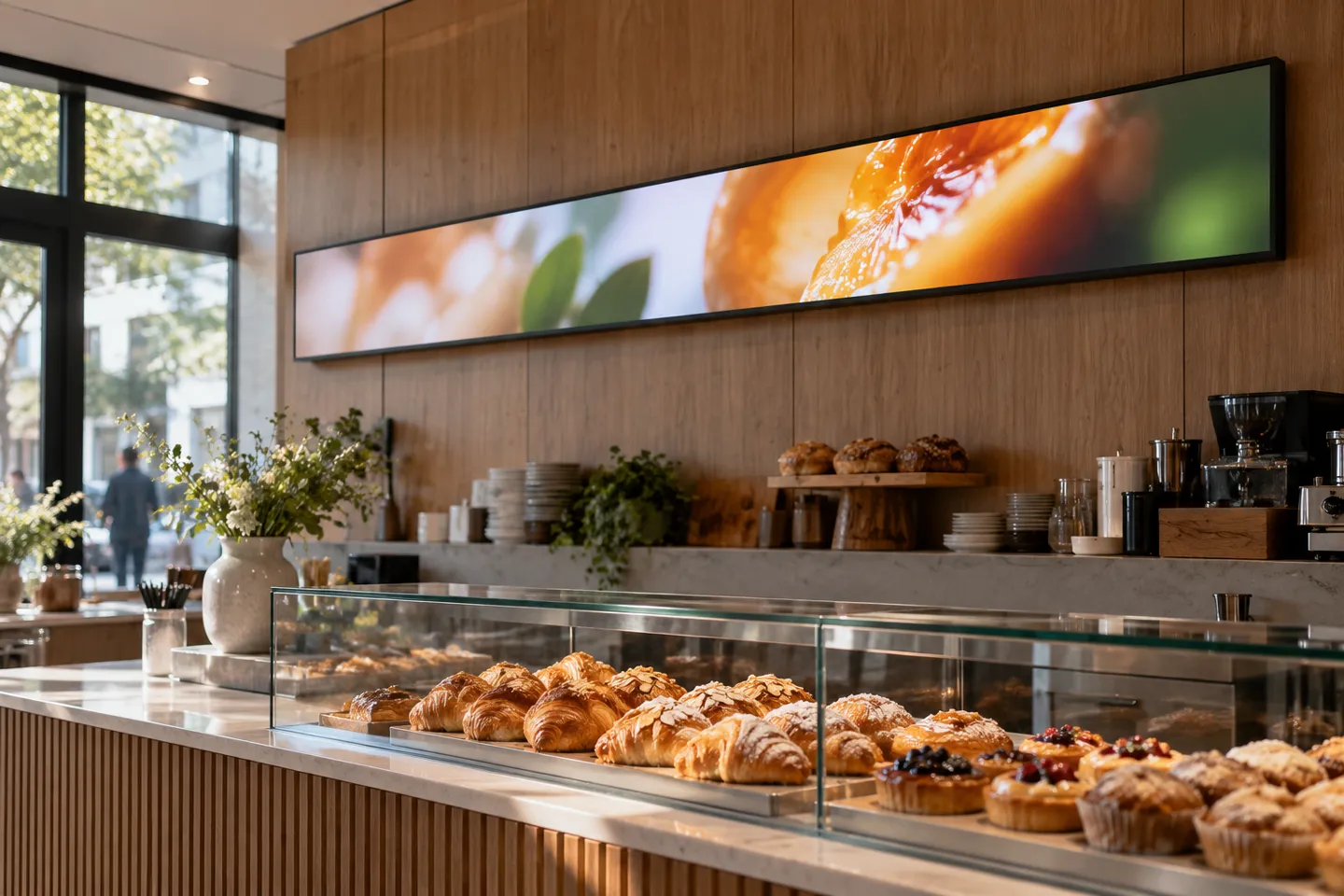
The spec lines to demand on any quote are brightness in nits, rated daily duty cycle, panel service-life rating, operating system, and operating temperature range. Real commercial spec sheets in this category read concretely. Expect 500 to 700 cd/㎡ brightness, 1,000:1 or higher contrast, Android systems with remote content management, and 0 to 50°C operating ranges (47.6-inch stretch-bar LCD spec sheet, 2026). Panel technology beneath the spec sheet is usually TN, IPS or VA, and IPS costs more mainly for viewing-angle stability; for a menu read from fixed positions it is rarely the deciding line item.
A published panel-hour rating is a specification, not a promise that every installed screen will last that long. Divide the stated hours by planned daily runtime for a rough planning figure, then account separately for heat, ventilation, brightness settings and warranty length.
Deployment Forms and Their Premium
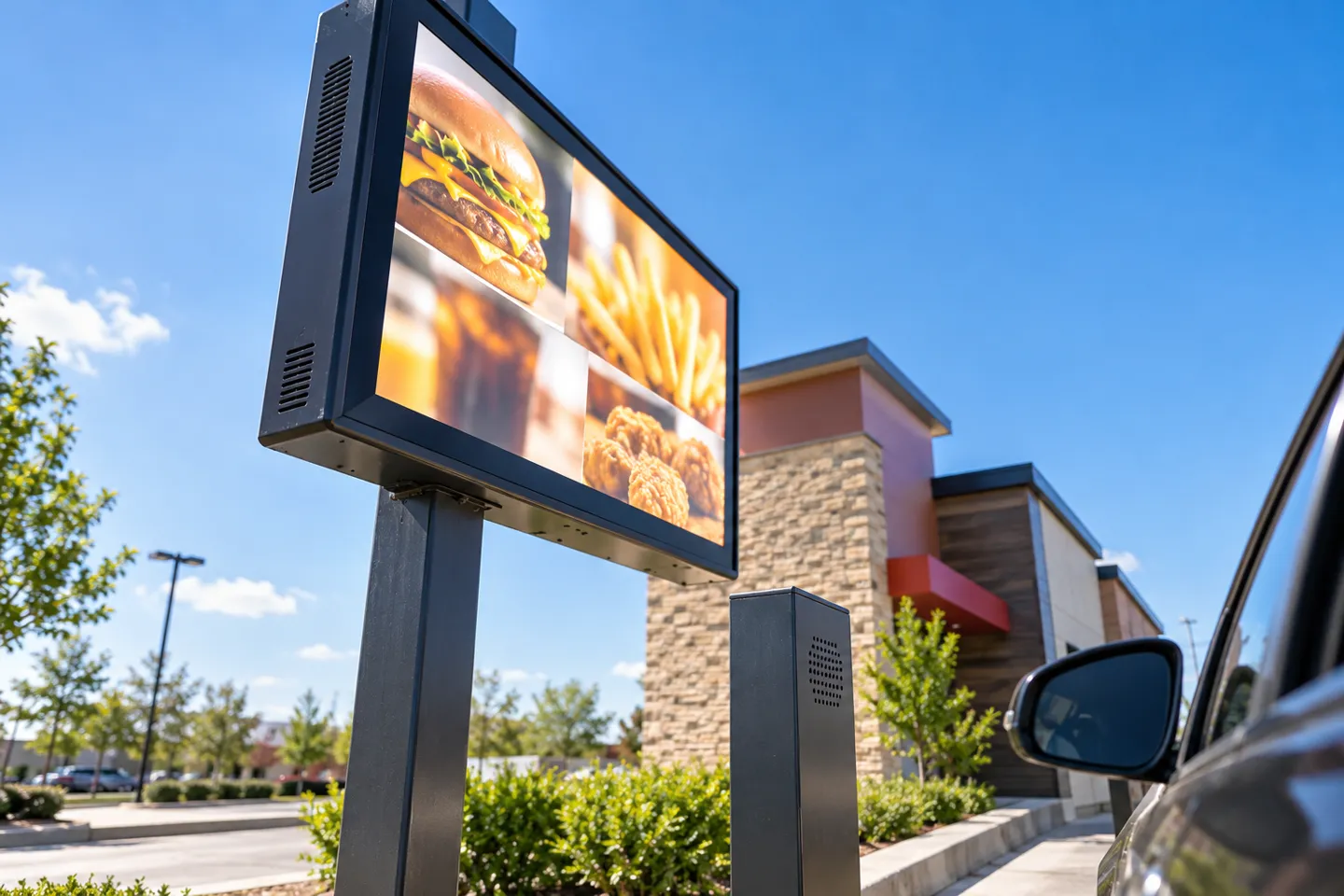
Where the screen hangs changes the installed cost. A single indoor panel near an outlet has fewer mounting and wiring tasks than a multi-screen cluster. A drive-thru also needs an outdoor-rated display or enclosure, structural mounting, weather-safe electrical work and any applicable permits. Request a separate site quote for each deployment type.
The Costs After the Screen
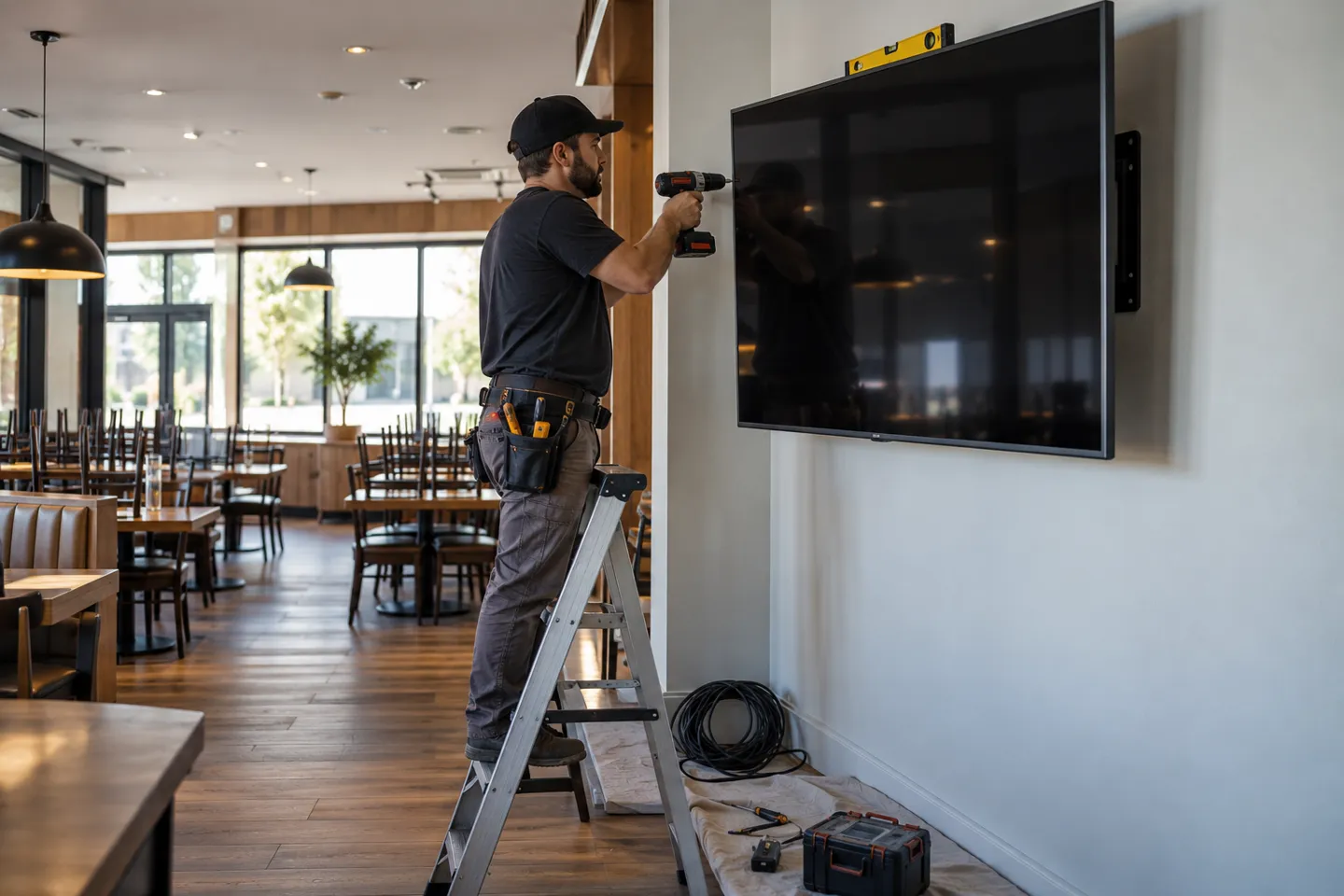
For an indoor installation, itemize the mount, labor, power and network connection. A do-it-yourself installation may fit one simple screen, but the wall structure and cable route still need checking. Ask for wiring to be priced separately so a low panel quote does not hide a large installation bill.
Electricity belongs in the total-cost model. Estimate monthly use as display watts divided by 1,000, multiplied by hours per day and days per month; then multiply by the site’s electricity rate. The U.S. Department of Energy explains this watt-hour calculation. Use the selected model’s measured or published power draw and its actual schedule.
Quote comparison: list the panel model, player, software term, mount, wiring, installation, content, power and warranty for each scenario before comparing totals.
Software, Content and the Multi-Year Bill
Hardware is the down payment. Software and content are recurring costs that can make two otherwise similar projects diverge over a three-year period.
Software should be compared by contract and screen count, not a single advertised monthly rate. Record the per-screen fee, player cost, cloud storage, templates, support, renewal terms and export options. For example, a $30 monthly difference per screen totals $1,080 over three years on one screen and $10,800 on ten screens; that arithmetic is a scenario, not a market price.
Buyout is not hypothetical. Cafe operators report running dedicated players with perpetual licenses for a one-time cost around $300 and no ongoing fees (r/digitalsignage, 2021), and on-premise deployments that keep content management inside the store network are a standard offering among hardware-led suppliers. The frustration driving this choice is visible in owner forums. One operator shopping for three screens described the licensing options as “the usual B2B hardsell scam” and could not find a one-time-purchase path under $900 (r/restaurateur, 2017). Subscription wins when you are trialing one screen or need cloud collaboration across locations. A buyout can suit a longer hold when the contract, support obligations and menu-data ownership are clear.
If a one-time license fits your screen count and holding period, compare its full cost with a subscription before signing anything.
Compare Buyout PricingContent has its own bill. Separate initial template design, photography, menu entry, revisions and ongoing campaign changes from software licensing. Ask who owns the editable files and what an update costs after launch.
For multi-location operators, central management can reduce repeated store-level edits, but only if the POS, approval workflow and screen software are connected reliably. Ask vendors to demonstrate a price change, an out-of-stock update and a rollback across several locations before treating time savings as part of the business case.
Quote comparison: list the panel model, player, software term, mount, wiring, installation, content, power and warranty for each scenario before comparing totals.
How Menu Board Projects Fail
Four failure patterns account for most of the regret stories in owner forums, and all four are checkable before you sign anything.
The first is playback failure on improvised setups. The documented case pattern repeats: wrong resolution, no loop, the TV falling back to its own interface mid-service (r/restaurateur, 2017). The check: run the exact content file on the exact device for one full business day before opening.
The second is a warranty mismatch. A screen installed in a business may have different coverage from one used at home. The check: read the selected model’s written terms and put the required commercial coverage in the project quote.
The third is subscription lock-in. Owners describe pricing structures that bundle licensing, design renewals and hosting into layers that are hard to exit (r/restaurateur, 2017). The check: before signing, ask three questions in writing. Is pricing per screen or per store? Can content management be self-hosted or bought outright? Who owns the menu data if the contract ends?
The fourth is environment misjudgment. A screen beside heat and grease, or a low-traffic cafe expecting a guaranteed upsell, can disappoint for different reasons. The r/coffeeshopowners discussion shows mixed operator views on sales effects; treat the outcome as something to measure locally, not a guaranteed return.
Before you sign
- Hours per day the screen will run, matched to duty rating.
- Brightness target for the actual wall position, checked against daylight.
- Warranty terms that explicitly cover commercial deployment.
- Software contract: per screen or per store, buyout option, data ownership at exit.
- Install quote itemizing mounting separately from data/electrical runs.
- Acceptance test at opening: correct resolution, unbroken loop, readable under lunchtime lighting.
Most menu board failures are not hardware failures. They are quoting failures, where two parties priced different assumptions and only one of them knew it.
What This Means for Your Sourcing Math
Read the cost structure back to front and a pattern appears for anyone building or reselling these systems. The retail-channel assembly, a consumer TV plus a monthly software plan, buys its low entry price by parking every risk this article has priced. The warranty that excludes the deployment, the playback reliability, the subscription that compounds: all of them land on whoever hangs the screen. For a dealer or integrator quoting restaurants, that assembly also forfeits the margin conversation, because you are reselling commodity hardware and renting someone else’s software relationship.
The alternative structure prices differently. Factory-direct commercial hardware swaps the retail channel’s stacked markups for terms you negotiate directly: minimum order quantities, customization scope, lead times and warranty length. The quote you send your customer then carries spec evidence, brightness in nits, duty rating, operating temperature, service-life rating, instead of a brand premium. That is a stronger position in every procurement conversation, and it is the only one that survives the annualized-cost comparison from the grade section above. Single-screen retail purchases remain rational for exactly the buyers in the DIY section. The project economics change once a customer holds three or more screens over a three-year horizon.
For dealers and integrators, the demand signal is the number of customers asking for manageable screen rollouts. Build the proposal around annualized cost per screen and the site conditions, then let the customer compare the installed system over its planned holding period.
For dealers and integrators building these projects, this is the sourcing math we structure our commercial LCD line around at Zhsunyco. Our published LCD range includes stretch-bar, square and larger signage formats, with Android-based management on selected models. Confirm size, brightness, housing, branding, minimum order, sample timing and warranty for the exact model in the quote. Benchmark our 47.6-inch stretch-bar spec sheet against the next project brief.
Benchmark a Factory-Direct Menu Board Quote
Send your deployment scenario and screen count, and get a commercial quote with brightness, duty rating and warranty terms itemized against it.
Get a Spec-Based QuoteReferanslar
- ENERGY STAR. Signage Displays.
- U.S. Federal Trade Commission. Businessperson’s Guide to Federal Warranty Law.
- U.S. Department of Energy. Electricity use calculation example.
- Reddit r/digitalsignage. Digital menu board for a small cafe.
- Reddit r/restaurateur. Can Someone Please Recommend Digital Menu Board Software For 3 Screens?.
- Reddit r/coffeeshopowners. Do digital menu boards help with upsells?.

 English
 Russian
 Spanish
 German
 Arabic
 French
 Bulgarian
 Polish
 Romanian
 Turkish
 Portuguese