


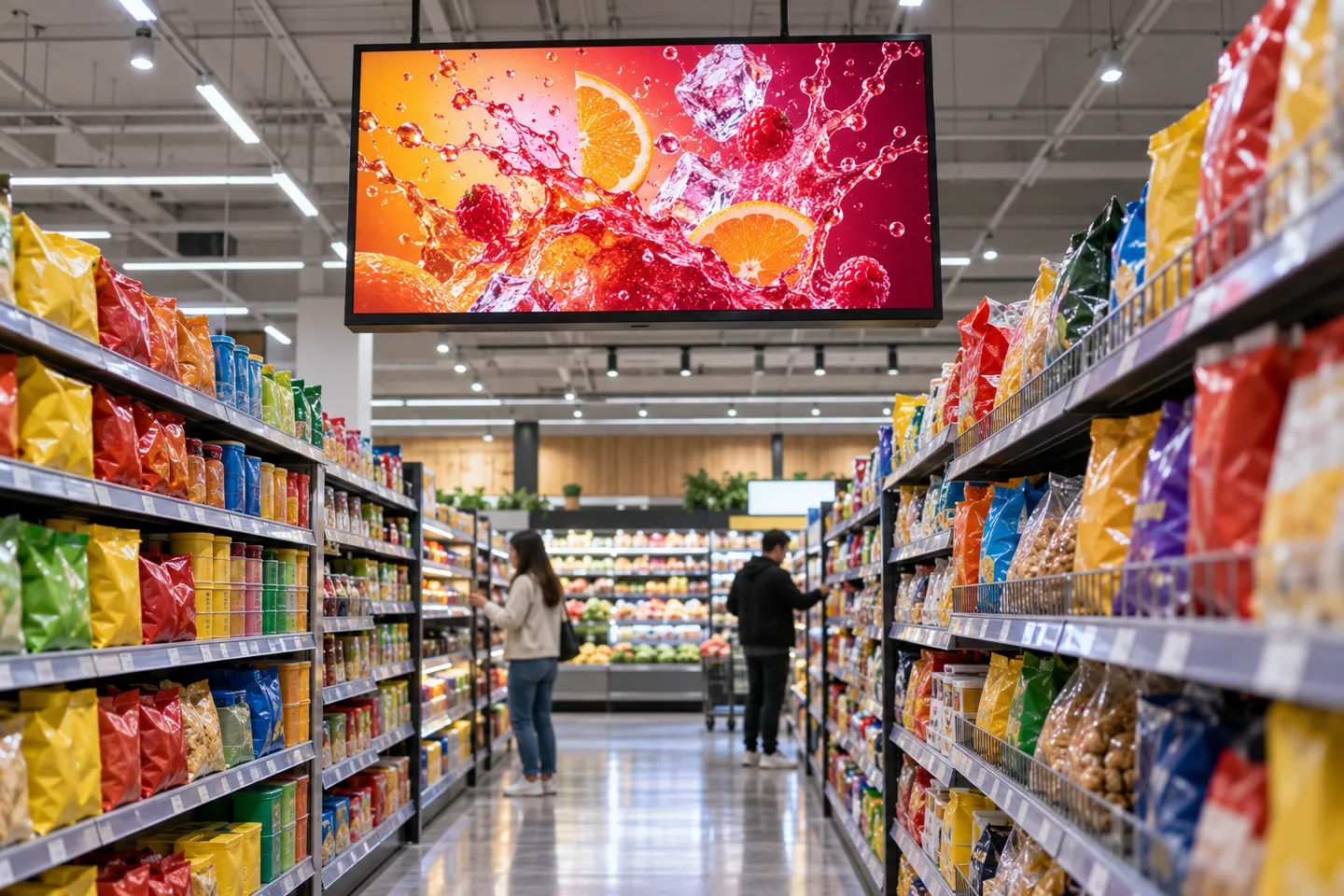
A screen above the snack aisle has been looping the same soda promo since Tuesday. Nobody in the store planned it as an advertising product. It was bought as a poster replacement, plays whatever gets pushed to it, and quietly goes black whenever the store Wi-Fi drops. The distance between that screen and one that earns media money is exactly what the term retail media digital signage describes.
What Retail Media Digital Signage Actually Means
The phrase describes in-store screen networks that are planned, priced, sold and measured as advertising media. The screen is the canvas. The media business is everything wrapped around it: bookable slots, delivery proof, audience data and a price per week.
Three look-alikes are worth separating on sight, because search results mix them constantly:
- Print and sign shops, which sell physical signage and permits. No screens involved.
- Online retail media, the sponsored listings and banner auctions inside marketplaces and retailer apps. Real money, different battlefield.
- In-store screen media, the subject here: displays inside physical stores operated as a channel that brands can buy.
One test separates a screen from a media asset. If you can name the slot, sell it for a defined period and prove afterwards that the ad ran, you have media. If the screen just loops content, you have a nicer poster. Everything that follows is about crossing that line, level by level, because the hardware requirements change at every level too.
From One Screen to a Retail Media Network: The Four Levels
Networks mature in four recognizable levels, and each step up rewrites what the screen itself must survive.
Level 1 is the single screen. A display replaces printed posters in one store. Content changes by USB stick or a basic app. The hardware bar is low: if it turns on and looks decent, it works.
Level 2 is the content network. Multiple stores, centrally managed. Screens are grouped by site, updated remotely, and content follows a calendar. Here the screen needs a management stack: a network connection you control, remote reboot, and an operating system your CMS actually supports.
Level 3 is the retail media network, the RMN. The same screens now carry sellable advertising slots. Brands or their agencies book space, and the operator owes them proof. Software obligations jump a full class at this level, which is why the next section exists.
Level 4 is scaled operation. Hundreds of placements across formats and lighting conditions, procurement runs on specification, and downtime has a monetary value attached. Screens are bought against placement specs, not shelf prices.
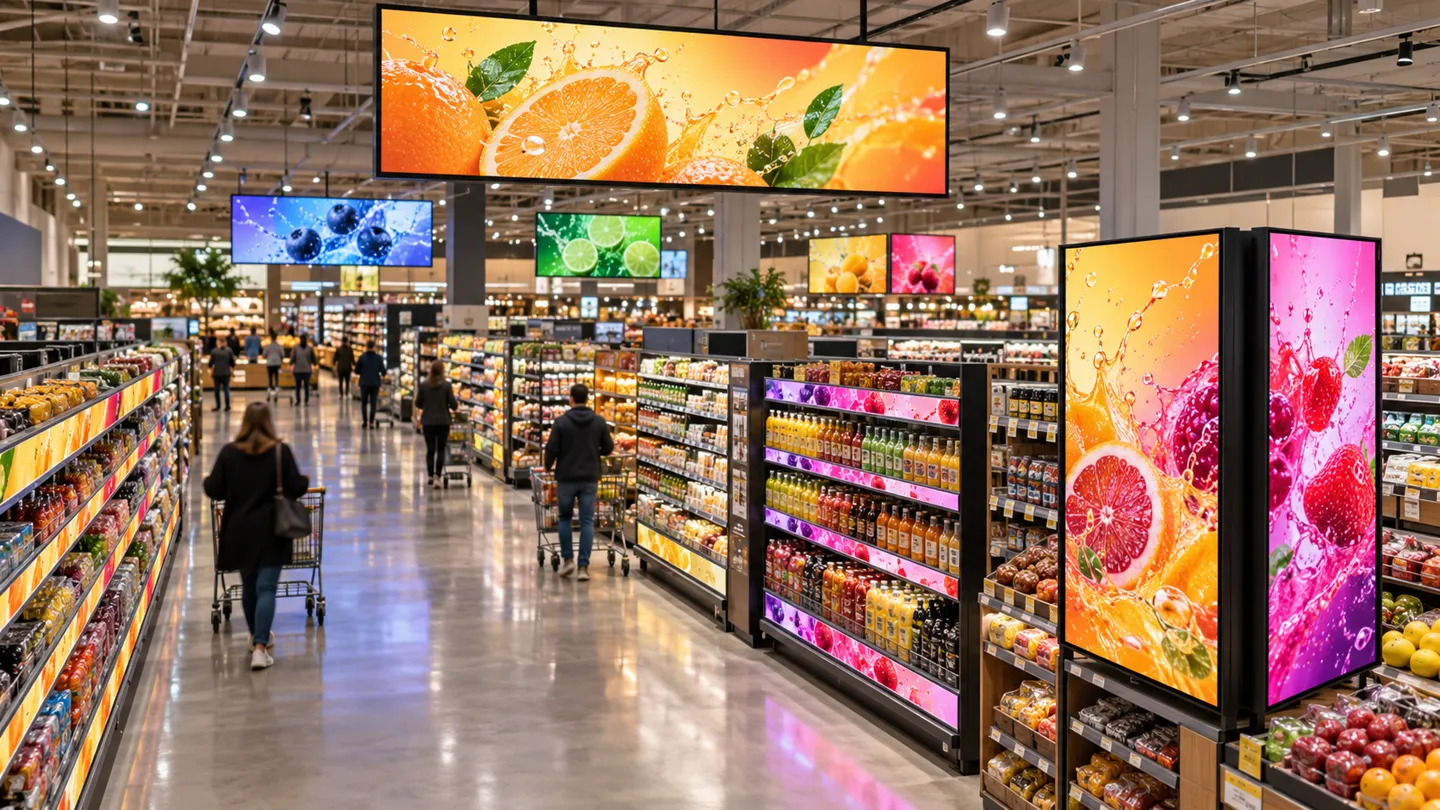
The case for a retail media network rests on whether advertisers can buy and measure reliable in-store placements. The IAB and IAB Europe standards define in-store retail media around retail data used for planning, execution and measurement. A screen that is dark or missing a scheduled campaign cannot provide a credible delivery record, so playback monitoring belongs in the commercial plan from the start.
62%
Shoppers who bought after seeing the item on an in-store screen
Source: IAB and IAB Europe in-store retail media standards.
Keep the market scope clear. EMARKETER forecast U.S. in-store retail media ad spend of $1.06 billion by 2028 in its March 2024 outlook, a small portion of total retail media spend. That forecast covers in-store media, not just LCD screens. Use the placement inventory and an advertiser sales plan to estimate a particular network’s opportunity instead of applying a broad retail media number to one store format.
| Seviye | Ne Yapar? | What the Screen Must Now Do |
|---|---|---|
| 1. Single screen | Replaces printed posters in one store | Turns on, looks decent, cheap to replace |
| 2. Content network | Multi-store, centrally managed playback | Group management, remote reboot, controlled network, CMS-compatible OS |
| 3. Retail media network (RMN) | Sells named ad slots with delivery proof | Reliable uptime, playback reporting, brightness that survives the placement |
| 4. Scaled operation | Hundreds of placements run as a business | Spec-based procurement, duty rating, SLA-backed service life |
The practical signal for moving up a level is always commercial, not technical. A brand asks to buy space. Placement coverage stabilizes across stores. Someone asks for a playback report. When any of those happens, the network is ready to be priced as media, and the screen fleet has to be re-examined as media infrastructure.
Content Network or Retail Media Network: The Line That Decides Revenue
Where Signage Software Ends and Retail Media Software Starts
Digital signage software and retail media operations overlap, but they solve different purchasing questions. A content management system publishes media to screens. A sellable media network also needs defined inventory, campaign booking, delivery records and measurement. The IAB and IAB Europe standards distinguish ad plays from opportunities to see and set out common terms for store zones, ad units and sales measurement. Ask a prospective platform to demonstrate those workflows with a real campaign.
Rather than adjudicating by brand, settle it with three capability questions:
- Can you sell a named slot on a named screen for a defined week, rather than just adding a video to a playlist?
- Does the system refuse overbooking, tracking occupancy so two advertisers never pay for the same inventory?
- Can you hand an advertiser an auditable proof-of-play report after the campaign?
Two or more “no” answers mean the operation is a content network. That is a legitimate business. Selling it as media when the plumbing cannot prove delivery is the part that ends badly.
| Content network | Retail media network | |
|---|---|---|
| What it sells | Nothing yet; the screen plays scheduled content | Named ad slots, booked by the week |
| Software core | Playlist looping and remote playback | Audience targeting, slot booking, occupancy control |
| Measurement | None; playback is assumed | Auditable proof-of-play per campaign |
| Veri | A content calendar | First-party shopper data matched to slots |
| Who buys | The store’s own marketing team | Brands and their agencies |
A network can fail commercially even when every screen works. If placements are installed before advertisers have agreed on audience, format, reporting and pricing, the operator may own a large hardware bill without a repeatable media product. Pilot a small set of placements and confirm booked demand, delivery evidence and operating costs before expanding the estate.
Who Pays for the Screens, and Who Gets Paid
Three money frames cover most real networks. The retailer invests its own capital and keeps all media revenue. A supplier installs screens at its own cost and recovers through an advertising revenue share with the store. Or individual placements are sponsored by a brand, which pays for the right to own the position.
Each frame shifts risk differently, so the revenue-share split, the contract length and the exit terms deserve as much negotiation as the hardware price. Practitioner threads on r/digitalsignage are full of operators arguing over exactly these splits for five-store pilots (r/digitalsignage, 2025). That tells you where the real uncertainty sits: not in the panel, in the deal.
Plan for changes in how inventory is bought and reported without assuming a particular programmatic adoption rate. Document the screen identifiers, store zones, available time slots, content rules and proof-of-play fields now. Those data definitions make it easier to connect future booking or measurement tools without rebuilding the hardware map.
Planning a sellable in-store network? Send your placement list and we will quote screens as per-position packages.
Get a Placement QuoteSpecifying Screens by Placement, Not by Price
A network at Level 3 or 4 stops being “a quantity of screens” and becomes a set of placements, each with its own physics. The shelf edge sits half a meter from the shopper’s eye. The window fights daylight. The end cap must read from three meters in motion. Same network, four different panels.
Shelf Edge and Aisle: Bar and Double-Sided Formats
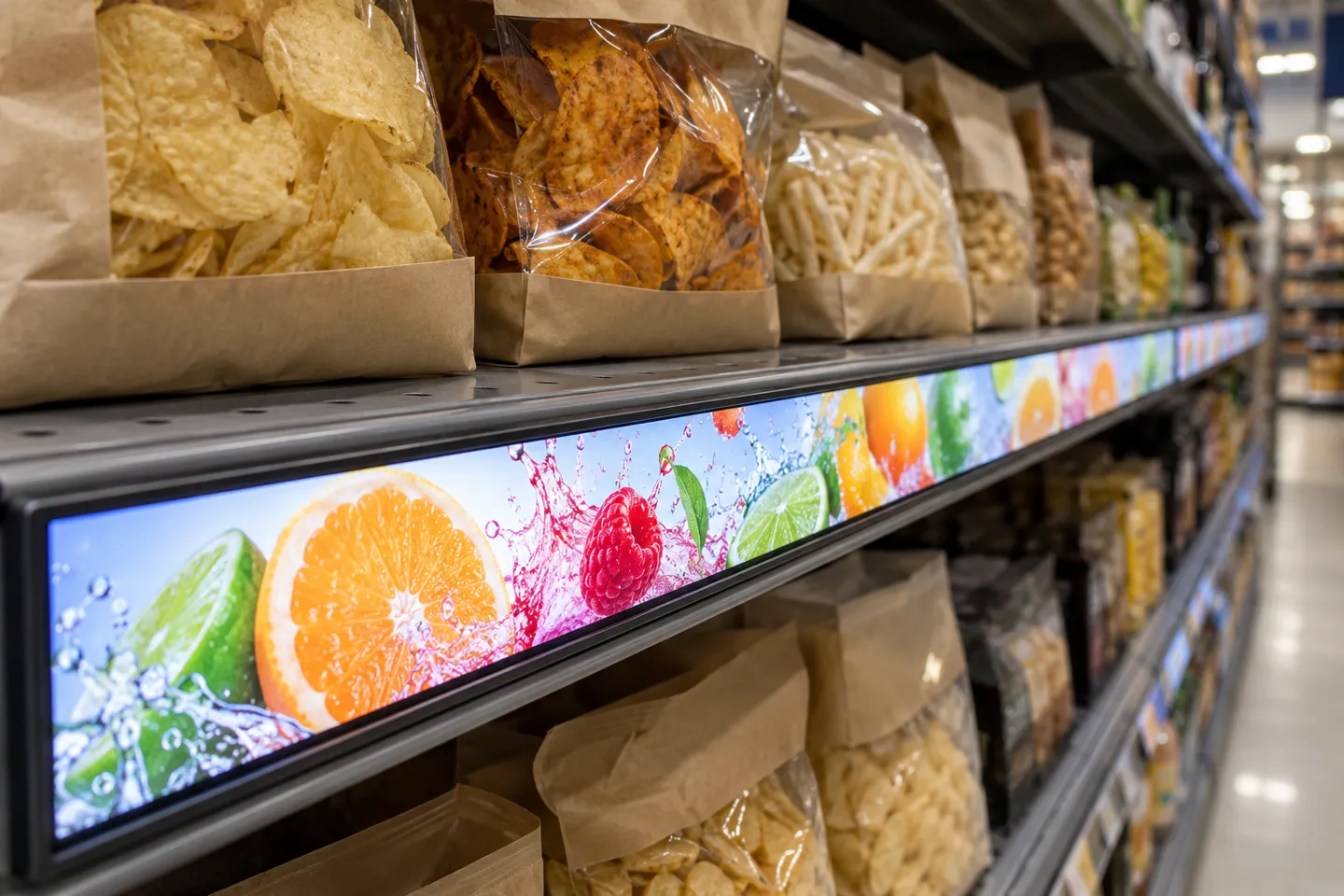
Shelf-edge displays are long, thin bars that mount directly on the fixture. Current commercial lines run 23.1, 35 and 47.1 inches at resolutions from 1920×158 up to 3840×160, with brightness in the 400 to 500 nit class (manufacturer datasheet, 2025). Chassis depths start around 16 mm. The format constraint is the shelf, not the spec sheet: measure the fixture overhang first, then pick the bar.
Aisle placements can benefit from double-sided panels that face traffic from both directions. Zhsunyco’s published 47.6-inch double-sided bar display lists 1920 × 360 resolution and 700-nit brightness. Confirm the exact variant, mounting and backlight specification in the current quote; the product page does not establish a universal service-life floor for every panel.
Windows, End Caps and Walls: Brightness Is the Hard Gate
Brightness is the spec buyers most often get wrong, because showroom floors lie. A 350-nit commercial panel looks flawless under store lighting and unreadable next to glass at noon. That exact doubt, whether a 350-nit display would survive a bright grocery environment, is what practitioners warn each other about before committing to batches (r/digitalsignage, 2025).
Workable practice: measure ambient light at the actual position, at the worst hour of the day, then assign a brightness class. Roughly: 400 to 500 nits covers standard interior and shelf edge, 700 nits covers window-adjacent and high-ambient positions. For end caps and vertical surfaces where the viewer moves, stretched-bar formats such as a 29-inch panel at 1920×540 fill the odd aspect ratio without letterboxing content.
Duty rating is the second quiet killer. Consumer-grade televisions assume a few viewing hours per day. Commercial panels for retail media should be engineered for continuous 24/7 operation. Current commercial lines cite an estimated service life around 50,000 hours, and the datasheet, not the brochure, is where that number has to appear. Verify the duty rating in writing before the purchase order, because it is the one spec that surfaces as a replacement cost two years later.
Buying at Scale: Quotes, ODM and Customization
At 10 to 20 units, practitioner advice converges on one move: get distributor quotes for the batch instead of buying retail, one unit at a time (r/digitalsignage, 2025). Above that, direct sourcing from the manufacturer opens a different set of levers.
Customization can matter more than unit price at network scale. Ask which panel sizes, frame colors, branding elements and boot screens are available for the chosen model, with their minimum order and tooling terms in writing. On the systems side, confirm CMS compatibility and API or SDK access for that LCD model before treating integration as part of a standard hardware order.
Procurement terms to nail before committing:
- Sample units first, on a stated lead time
- Duty rating and panel service life written into the specification
- Brightness class locked per placement, per the matrix below
- OS and CMS compatibility verified against the network’s actual stack
- Upgrade headroom for the programmatic wave discussed earlier
| Yerleştirme | Biçim | Brightness Class | Duty | Fails When |
|---|---|---|---|---|
| Shelf edge | Bar LCD 23.1-47.1 inch, 1920×158 to 3840×160 | 400-500 nits | Store hours to 24/7 | Fixture overhang unmeasured; wrong bar length |
| Aisle end cap | Stretched bar 24-37.6 inch | 500-700 nits | 16/7 to 24/7 | Content letterboxed for wrong aspect |
| Window-adjacent | High-brightness panel or stretched bar | 700 nit | 24/7 | Ambient light never measured, washed out at noon |
| Aisle both directions | Double-sided bar 24-47.6 inch | 700 nit | 24/7 | Anti-glare glass skipped, reflections eat contrast |
| Wall feature | Standard 16:9 37-55 inch | 400-500 nits | 16/7 to 24/7 | Treated as consumer TV, no duty rating |
| Checkout | Compact square or bar | 400-500 nits | Store hours | Queue dwell time overestimated, no content plan |
Why In-Store Networks Fail, and the Checklist That Prevents It
Recorded failures cluster into four patterns, and none of them are about picture quality.
First, borrowed infrastructure. Operators who rely on the store’s guest Wi-Fi get devices kicked off it, because shopper networks are configured to dump idle connections. Commenters who have installed in grocery chains describe LAN cabinets in janitor closets with floor drains, and screens sharing a power circuit with freezers that trip breakers (r/digitalsignage, 2025).
Second, hardware mismatch. System-on-chip displays without local caching go black when the network blips, taking paid ad slots with them. Several practitioners report exactly this failure mode on SoC setups and recommend dedicated players or caching-capable configurations for anything sold as media.
Third, commercial overreach. Network promises can scale ahead of deployable inventory and confirmed advertiser demand.
Fourth, trust collapse. An advertiser who cannot be shown that the ad played, on a screen that was on, unobstructed, during booked hours, does not renew. Operators in the practitioner thread describe this as the core product being sold: verifiable delivery, not pixels.
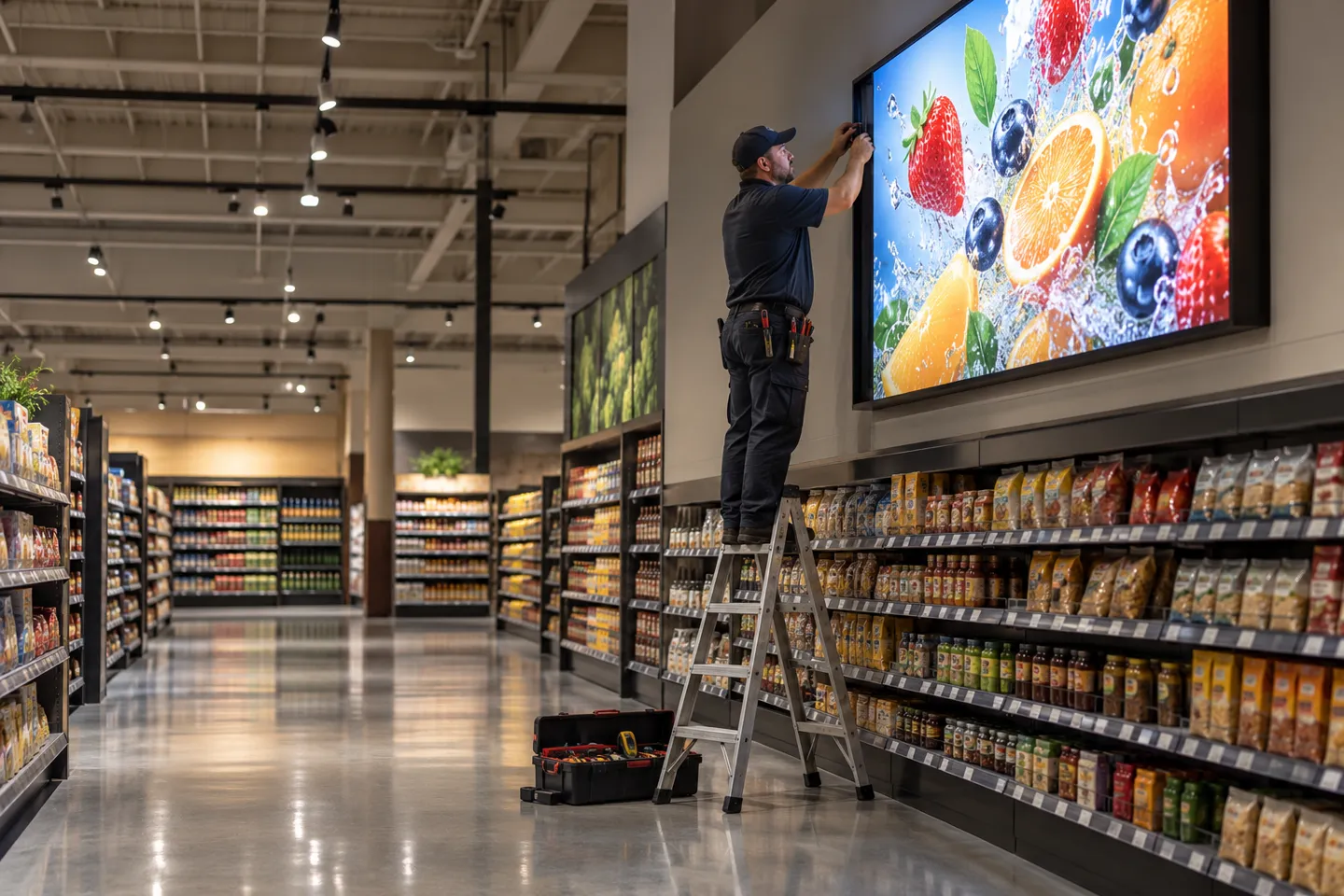
A four-step acceptance sequence prevents most of this before launch:
- 1Network and power: confirm a connection you control (isolated VLAN or 4G/5G) and a circuit not shared with refrigeration
- 2Light audit: measure ambient at each placement at its worst hour, lock the brightness class per position
- 3Blackout test: pull the network and confirm local caching keeps the loop playing
- 4Reporting round-trip: run one test campaign and confirm a proof-of-play report reaches the buyer
Run all four on the pilot store. The cost of finding a shared breaker circuit before signing advertisers is an electrician’s visit. Finding it after is a refund.
The Seller’s Math: Screens as Placement Spec Packages
For the integrators and screen traders who build these networks for retailers, the quoting method is the strategic decision. A quote per unit invites a comparison per unit, and unit prices converge. A quote per placement package prices what the network actually needs to survive. It bundles the brightness class for that position, the duty rating, the management stack, the caching behavior and the reporting hooks, all as one line.
The logic follows from everything above. Network failures cluster in reliability, not resolution, so the package that guarantees uptime and provable delivery is the one that protects the client’s media revenue and, with it, the integrator’s contract. The 62% purchase stat only survives contact with a real store if the panel behind it stays on, stays bright and stays reachable.
Five terms to close before the purchase order
- 1Sample units first: confirm the stated 3 to 5 day lead time before the batch order
- 2Duty in writing: 24/7 rating and panel service life written into the specification
- 3Brightness locked: class assigned per placement against the matrix in the previous section
- 4Upgrade headroom: OS and management hooks ready for the programmatic wave
- 5Blackout liability: delivery responsibility named in the supply terms
Customization is where placement packages stop being comparable line items. A format matched to a fixture, a frame color and a branded boot screen are visible choices. CMS compatibility and the data interface are less visible but can determine the rollout workload. Zhsunyco's LCD display line covers bar, shelf-edge, square and double-sided formats. Confirm sample timing, minimum order and integration scope for the specific model rather than applying one product family’s terms to every screen.
For a placement-specific quote, compare the published LCD range with the fixture dimensions and ask Zhsunyco to confirm current sample, customization and integration terms.
Match Screen Packages to Your Placements
Share the placement map and required screen functions for a model-specific sample and rollout quote.
Request a Sample UnitReferanslar
- IAB and IAB Europe. In-Store Retail Media Definitions and Measurement Standards.
- EMARKETER. In-store retail media spend will hit $1 billion in 2028.
- Reddit r/digitalsignage. Starting My Own In-Store Retail Media Network – Need Real World Advice.
- Reddit r/digitalsignage. How do major retailers approach digital signage?.

 English
 Russian
 Spanish
 German
 Arabic
 French
 Bulgarian
 Polish
 Romanian
 Turkish
 Portuguese