


What Actually Shapes a Digital Menu Board
A café owner pulls down the chalkboard, hangs a 43-inch TV above the counter, and types the menu into a slide. Three weeks later the prices change, the screen does not, and the chalkboard quietly returns. The failure had nothing to do with taste. It came from treating the screen as a bigger piece of paper.
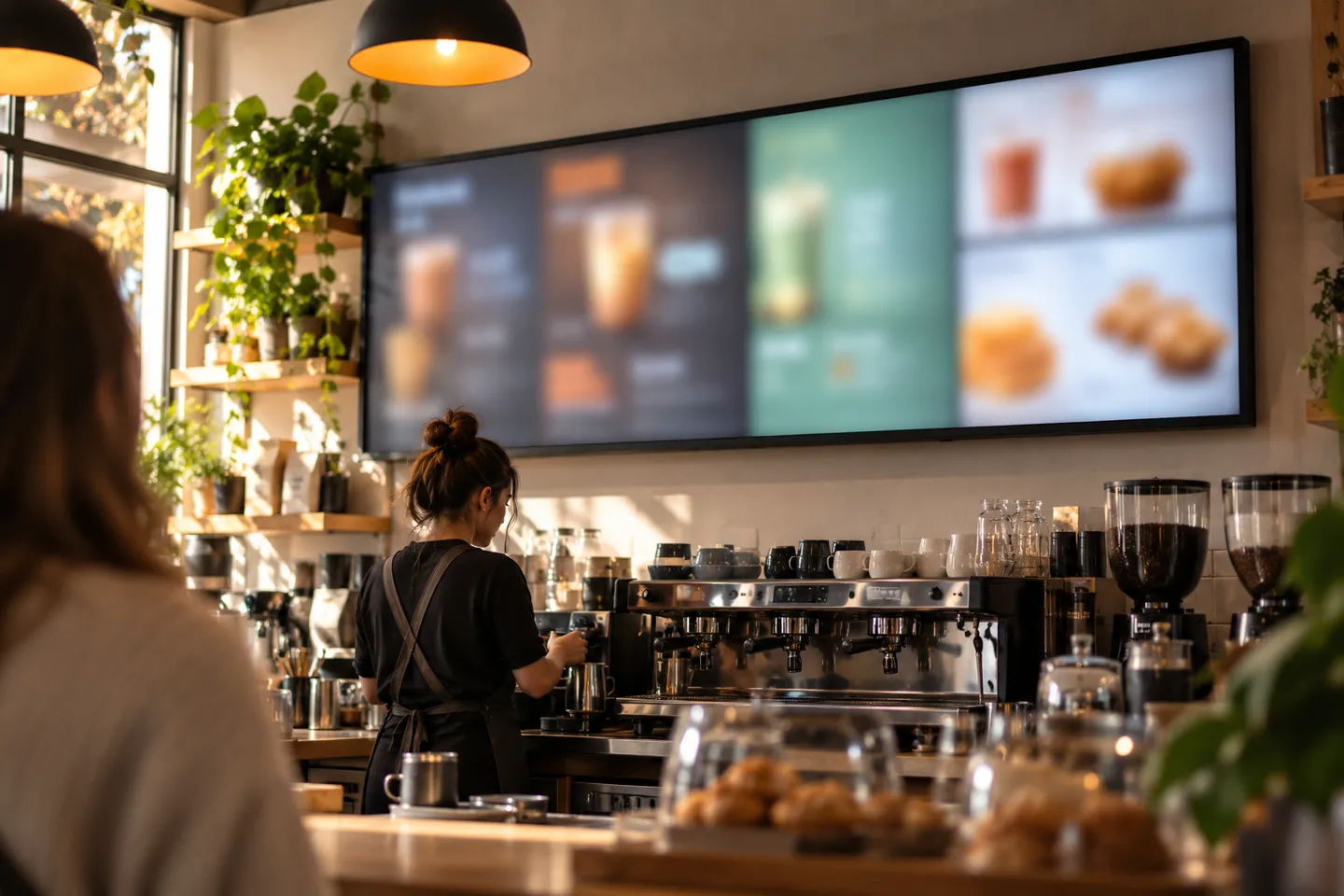
Every layout decision on a menu board traces back to the shape of the screen and the distance from the customer. The aspect ratio determines how the menu can be divided; viewing distance, mounting height, type size and contrast determine whether it can be read. Use the U.S. Access Board’s visual-sign guidance as a legibility cross-check, then test a full-size menu from the farthest customer position. Its sign rules are a reference for the design test, not a blanket compliance claim for digital menus.
This is also where template tools hit their real boundary. Template libraries inside signage apps, from free editors to subscription platforms, solve the starting layout for you, and for a single landscape screen they often solve it well. What no template can fix is a ratio mismatch or a distance problem. Rotate a 16:9 layout onto a portrait panel and the text crops; tune a layout for a counter and it reads as blur across a dining room. The template answers “how do I make this look finished”; only the screen and the spot answer “will it work”.
So the shortest path from idea to working board runs through hardware decisions, not color palettes. Fix the screen and where it hangs, then pick the tool, then lay the menu out to the real ratio, then set it looping. The rest of this guide walks that chain, starting with the formats themselves.
Screen Formats and the Layout Rules That Follow
Five formats cover almost every menu board you will see, and each one carries its own layout law. The common landscape panel is the default for a reason, but the other four exist because menu content does not always fit the default. Learning the law per format is what separates a board that sells from a screen that loops.
Landscape 16:9: The Default That Works ⭐
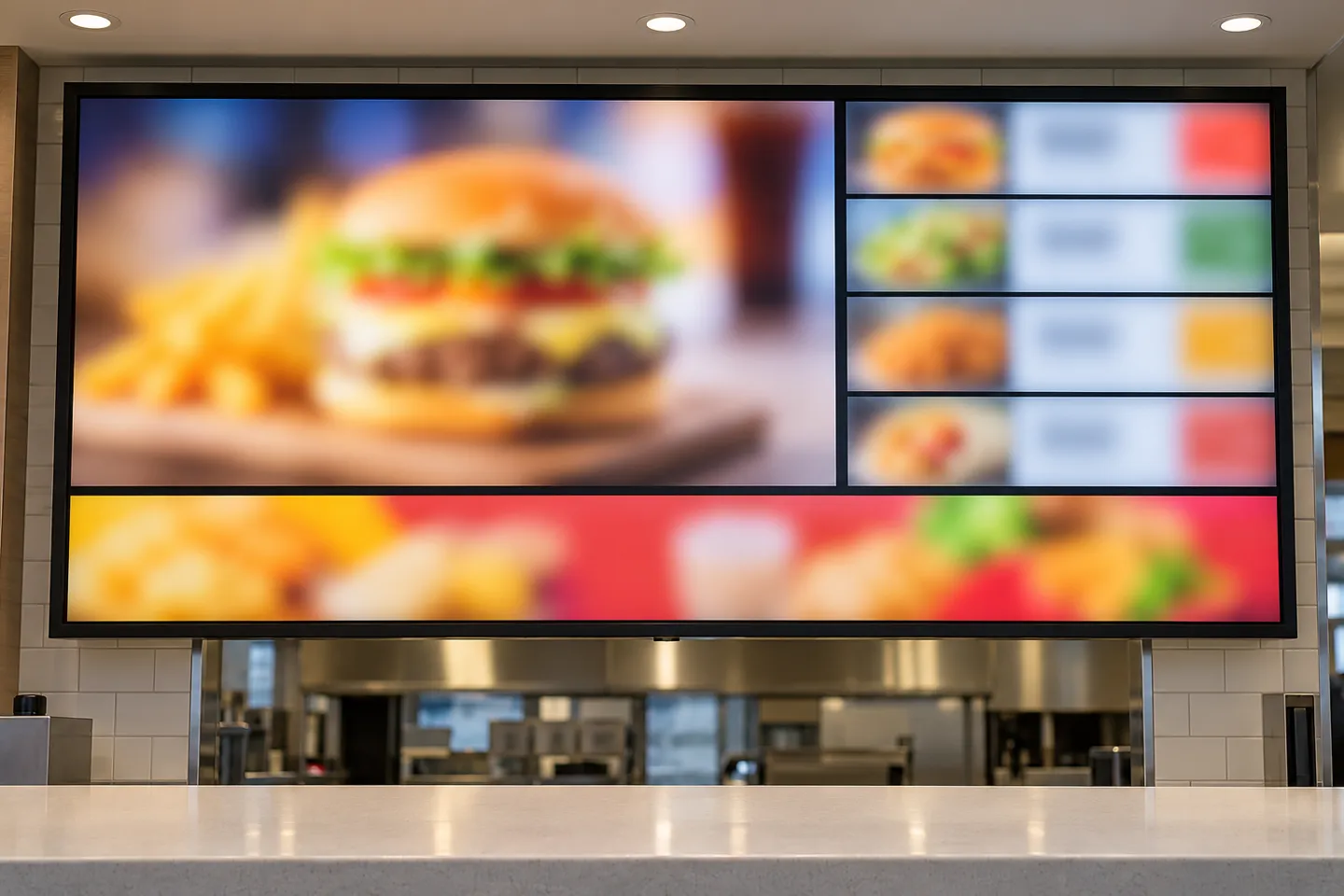
Standard widescreen panels win on ecosystem: every tool supports it, every mount fits it, and content costs the least to produce. Its layout law is the three-zone split. Primary items sit in the upper-left where reading gravity lands first, the price column runs down one side, and a single promotion strip holds the bottom or right edge. A workable ceiling is about eight visible items per screen; past that, the price column shrinks below the readability math and the board starts lying to customers who squint at it. Keep each zone to one job and the 16:9 panel does exactly what it is asked.
Portrait 9:16: Narrow Walls and Order Lines
Portrait panels fit where landscape cannot: narrow wall sections beside a doorway, tight order lines, pillar mounts in a queue. Here the layout law flips from zones to a vertical flow. Category groups stack top to bottom, the eye lands in the upper-middle first, so the highest-margin category belongs there, and the board rotates groups on a timer to cover the full menu. The classic mistake is mechanical: turning a landscape template ninety degrees. The text crops at the edges, the zones break apart, and the board reads as a sideways spreadsheet. Portrait works only when the layout is designed for the tall canvas from the first draft.
Stretched Bar Screens: One Screen, One Job
Ultra-wide bar panels in narrow, high-aspect-ratio formats exist for one job: a single horizontal information strip. Above a counter they run the length of the menu rail and carry one line of categories or one row of combo cards. Beside a main board they become the dessert card, the drink list, or the upsell strip. Their layout law is strict: one screen, one message. An ultra-wide canvas cannot hold three stacked information layers; squeezing a full menu into a bar produces text too small for the distance, which defeats the purpose of the strip. Plan the bar as an accessory to the main board, never as a replacement for it.
Square 1:1 and Double-Sided Hanging Displays
Square panels and double-sided hanging units solve the center-of-room problem: the customer standing in the middle of the space, equidistant from every wall. The layout law here is symmetry. A centered grid of four to six categories reads cleanly from both approach angles, which is why the format owns cash-wrap positions and hanging signage over aisles and queue mazes. Asymmetry that looks dynamic on a wall board turns into visual noise on a square, because both faces compete with everything around them. Keep the grid even and the format pays for itself twice, once per face.
Two rare formats complete the map. Round panels serve brand and welcome positions where a logo moment matters more than menu content. Video walls serve flagship lobbies where the board is also the scenery. One neighbor product deserves a sentence as well: shelf-edge e-ink price labels, including four-color models, sit at the slow-update end of the display map. They keep shelf and cooler-case prices in step with the boards, though their refresh speed keeps them out of the board itself.
Format cheat sheet
| Формат | Best spot | Layout rule | Common misuse |
|---|---|---|---|
| Landscape 16:9 | Above the counter, main wall | Three zones: hero upper-left, price column, promo strip | Too many items to read from the queue |
| Portrait 9:16 | Narrow walls, order lines, pillars | Vertical category flow, keep categories in reading order | Rotating a landscape template 90 degrees |
| Stretched bar | Counter rail, upsell strip | One screen, one message, single row | Cramming a full menu into the bar |
| Square 1:1 | Cash-wrap, hanging center displays | Symmetric grid, four to six categories | Asymmetric layouts that fight both faces |
| Round / video wall | Brand moment, flagship lobby | Logo first, menu second | Expecting them to carry the menu |
Matching the Format to the Spot
Formats are chosen by location, not by preference. Work the chain in a fixed order: walk the space, list the mounting spots, assign a format to each, and only then price the hardware. Running the chain backwards, by buying screens first, is the most common way a board project ends up back at the chalkboard.
The spot-first chain
Walk the space
note every surface a customer reads
List the mounting spots
distance and light at each
Assign a format per spot
counter, order line, drive-thru, cooler
Price the hardware
mix first, screens last
One mounting spot, one format mix.
Match the Format to Each Mounting Spot
Four mounting spots cover many food-service layouts. Above the counter, a landscape board can carry the main menu while a stretched bar highlights a short offer. Along an order line, portrait panels can present categories in sequence. At a drive-thru, specify a display and enclosure for the site’s sunlight, weather and temperature conditions; an ordinary indoor panel may wash out in direct sun. At a grab-and-go cooler, a shelf-edge strip can place prices near the products.
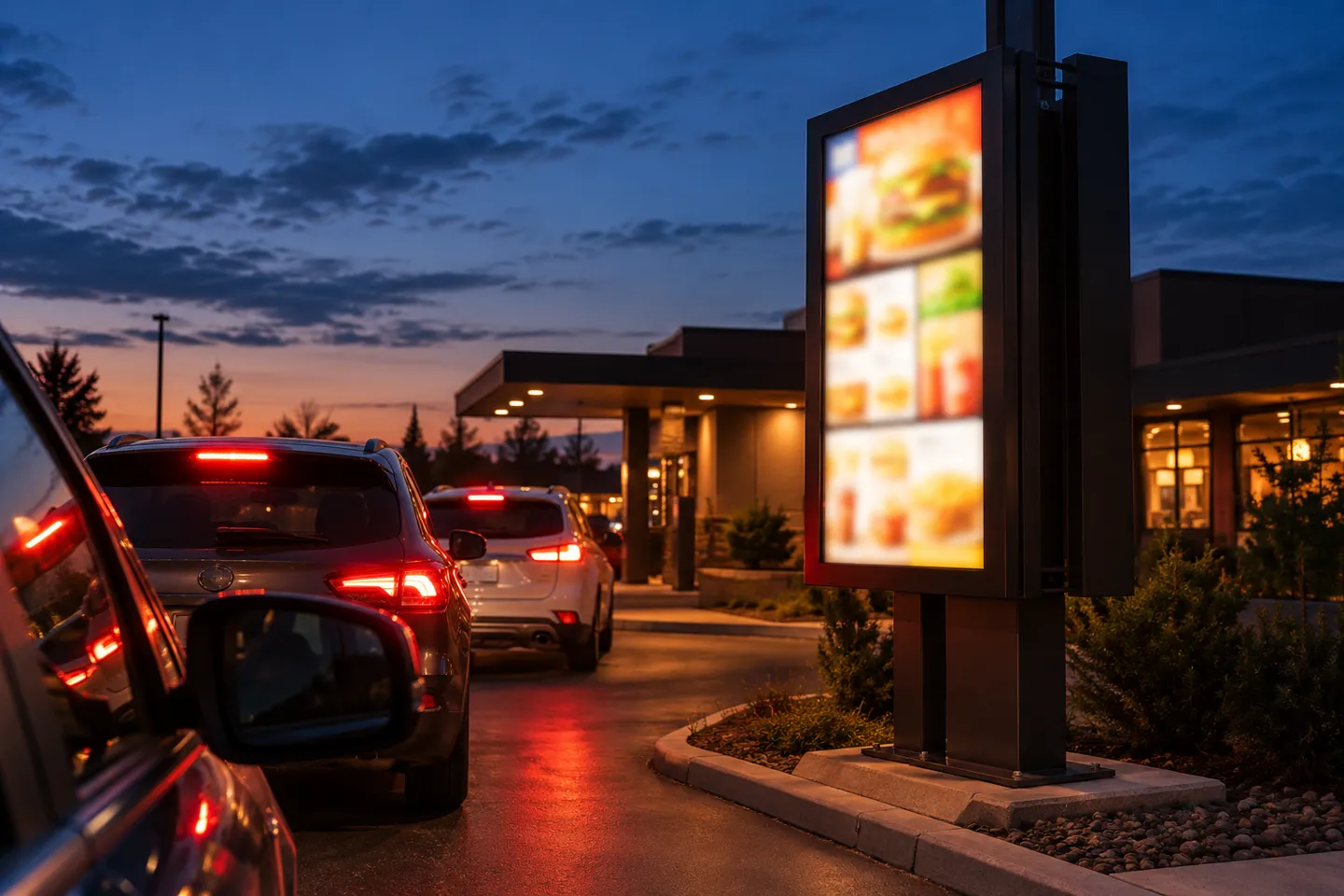
One mounting spot, one format mix: counter boards, order-line columns, drive-thru panels and cooler-end strips each need their own format, and forcing a single template across all four is where most redesigns start.
Spot audit
- List every surface a customer reads while ordering.
- For each, note the viewing distance and the light hitting it.
- Assign format: landscape main, portrait column, bar strip, shelf edge.
- Flag any spot where one screen is doing two jobs.
- Price the mix, then the screens.
The Trend: From One Screen to a Format Mix
The broader U.S. digital signage market was estimated at $7.44 billion in 2025 and projected to reach $12.97 billion by 2033, according to Grand View Research. That is an industry-wide forecast, not a restaurant menu-board forecast. A 2018 report on McDonald’s $6 billion U.S. restaurant modernization program listed interior and drive-thru digital menu boards among several upgrades. For a restaurant project, those examples show why the format should be chosen for each customer-facing position instead of assuming one screen shape fits every wall.
What It Actually Costs
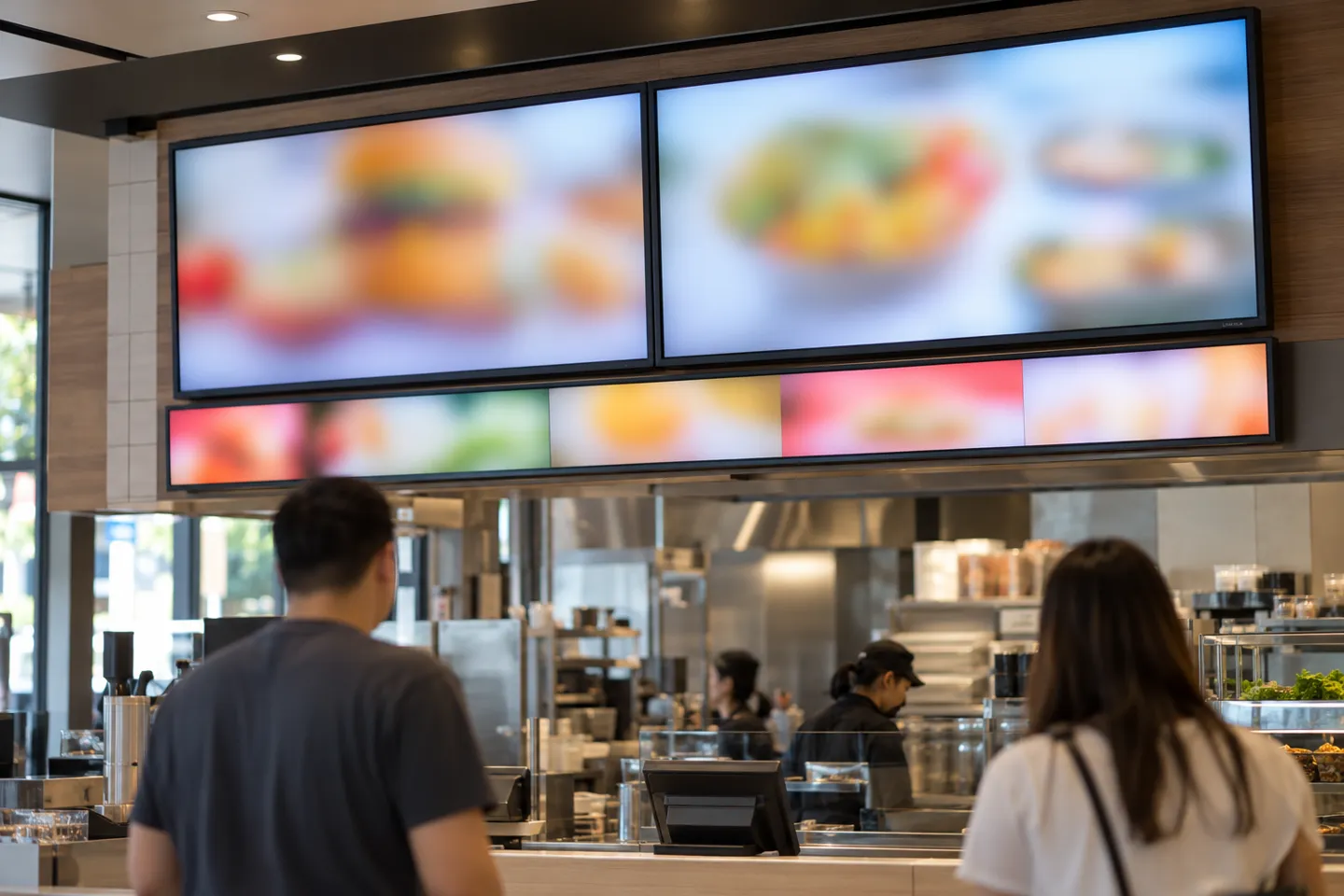
Published menu-board prices can differ because they describe different scopes. Build the budget in three parts: the display and player required at each mounting spot, the software and network plan for the actual screen count, and the content plus installation work. Ask for each part as a separate quote line so the complete installed cost is visible.
Commercial vs Consumer: Where Cheap Screens Stop Working
A consumer television can be a trial option for one indoor board with limited daily runtime, but its suitability depends on the exact model. ENERGY STAR describes commercial signage displays designed for continuous operation. Compare rated duty, brightness, automatic prompts, mounting support and written warranty terms for the selected devices. An operator discussion in r/sysadmin also highlights playback and scaling problems that can appear when ordinary TVs are used for signage.
Where each screen grade stops working
| Screen grade | Works for | Stops working when | Confirm before buying |
|---|---|---|---|
| Consumer TV + streaming stick | Single dim corner, one landscape board | long operating hours, bright rooms or warranty terms the model does not cover | Duty hours, warranty terms, auto-brightness and pop-up settings |
| Commercial landscape (SoC built-in) | Main counter boards, multi-site chains | Extreme ratios and window glare, which need special grades | Nit rating, 16/7 or 24/7 rating, remote management |
| Stretched bar | Counter rails, upsell strips | Any spot needing stacked layers of information | Native resolution match, content sized to ratio |
| High-brightness outdoor | Drive-thru, window-facing boards | Indoor grades in direct sun | Site-tested brightness, weather rating and brightness control |
| Shelf-edge strip | Cooler ends, grab-and-go cases | Full-menu duty, long viewing distances | Case depth fit, price-sync source |
Player architecture rides on the same boundary. A screen with a built-in system-on-chip runs the signage app directly, which removes a device, a cable, and a failure point per board. A streaming stick is the budget path and the one that inherits consumer hardware limits. A media player or mini PC beside the screen buys flexibility for heavy video content at the cost of another box to maintain. One restaurant IT team had a name for that setup: “an expensive tiny PC mounted on the back of the monitor just to roll a JPEG graphic” (r/sysadmin, 2022). Match the architecture to the content weight, not to the demo.
A consumer TV warrantied for home use can lose coverage the day it is mounted in a shop. Confirm duty rating and warranty terms in writing before the board goes on the wall.
One compliance line belongs in the layout file too. Under the FDA’s menu labeling rule, chain restaurants and similar retail food establishments with 20 or more locations must list calorie information on menus and menu boards (FDA, 2023). Calories are part of the layout, so the price column needs a column beside it, and the type-size math has to hold for both.
What This Means for Signage Businesses
Read the guide back as a buyer, and the pattern is consistent: the spot decides the format, the format decides the layout, and the grade decides whether it survives. For a signage integrator or display distributor, that pattern is the sales conversation. The unit you are really quoting is the spot-format map for a customer’s floor, not a screen from a price table. Two competitors can quote the same 32-inch panel. Only one can walk the floor and say which spot needs a bar, which needs a portrait column, and which needs a brighter, site-tested outdoor display.
That is also where commoditization bites and where it does not. Standard 16:9 panels get catalog-priced to death because every supplier carries them and every buyer can compare them line by line. Unusual formats resist the comparison. An ultra-wide bar cut to a specific length, a square panel for a cash-wrap, a shelf-edge strip sized to a cooler bay: each needs a manufacturer who can do more than ship catalog sizes. It needs someone who can match resolutions and rate the panel for 7×24 running. The defensible selection criteria follow directly: format coverage across the range, customization depth on size, bezel and branding, and commercial-grade duty ratings with the warranty to back them.
That is the gap a manufacturer can help close. Жсуныко lists stretched-bar, square and shelf-edge LCD formats. Its published bar-display specifications include a 47.6-inch model at 1920 × 360 and its square-display range includes a 22-inch model at 1920 × 1920. Check the exact model sheet for duty rating, brightness and dimensions. The commercial LCD display range shows available formats; ask the customization team to confirm sample timing and terms for the specific LCD project.
Whether you run one café or quote many sites, the method is the same. Walk the floor, mark every place a customer reads, assign each spot a format, and test the content at the actual viewing distance. Confirm the selected models, sample timing and delivery plan in writing before a wider rollout.
Prove Your Format Mix on One Site First
Send your mounting spots and content needs for a model-specific sample and rollout quote.
Start a Custom SampleСсылки
- Grand View Research. U.S. Digital Signage Market Size.
- Kiosk Marketplace. McDonald’s invests billions for kiosk/digital makeover.
- U.S. Food and Drug Administration. Menu Labeling Requirements.
- U.S. Access Board. Chapter 7: Signs – visual character guidance.
- ENERGY STAR. Signage Displays.
- Reddit r/sysadmin. Restaurant Digital Signage Options?.

 English
 Russian
 Spanish
 German
 Arabic
 French
 Bulgarian
 Polish
 Romanian
 Turkish
 Portuguese