


What a Restaurant Digital Menu Board Actually Is
At 11:40 on a Tuesday, the kitchen runs out of the grilled chicken special. On a printed menu board, that item keeps selling until somebody finds tape, paper and a ladder. On a digital menu board, the item leaves every screen in the dining room in about ten seconds. The space it held switches to a dish the kitchen can actually make today.
That is the whole idea. A restaurant digital menu board is a screen, or a set of screens, mounted where guests order and pay. A small media player feeds it, and a dashboard or app controls what appears. Note one naming trap before going further: in graphic design circles, “menu board” also refers to the layout file a designer hands you. This article is about the physical screen on the wall, not the template.
Three parts make up any board, no matter what it costs. The display panel shows the picture. The media player, a stick, a small computer or a chip built into the screen itself, renders the content. The content management side, from a free template tool to a paid dashboard, decides what the player downloads and when. Change a price in the dashboard, the player picks it up, the screen updates. That loop is the entire mechanism.
Restaurants switch for reasons that printed boards cannot match. Prices change the moment the supplier changes. Breakfast turns into lunch without anybody touching a ladder. Sold-out items come off the screen before a guest orders them. Promotions get airtime next to the items they are meant to move. None of this needs a designer once the layout exists.
Getting a first board running takes three steps: pick a screen, install the player and software, lay out the menu. A single-screen setup can realistically go live the same afternoon. The real decision is not how, it is which route to take, because the market sells menu boards at levels that differ by more than the screens inside them.
The Two Entry Levels: DIY and Bundles
There are two doors into digital menus, and most independent restaurants walk through one of them first. The DIY route uses hardware you partly own: a consumer TV or monitor, a streaming stick or small media player, and a free or cheap template tool. The tool turns your layout into something the stick can play. The bundle route sells you the whole package at once: screen, player and software configured to work together, on the shelf at electronics stores or through sign shops.
Software follows the route. DIY setups lean on free template tools, USB playlists or lightweight apps. Bundles and managed setups usually include a cloud subscription that adds schedules, remote edits and screen grouping. The tool you pick at this stage matters less than the route, because the route decides what you can do later.
The price tags look close together and are not. The total depends on the display, player, mounting, installation and software subscription. A TV already on the wall can lower the initial hardware cost, but the recurring software fee still needs its own budget line. The trap sits in the word free. Template tools recover their cost through subscription walls and feature limits, and a bundle price is an entry fee, not a total. The subscription is the meter that runs afterward.
Entry level comparison
| What changes | DIY setup | Ready-made bundle |
|---|---|---|
| Starting hardware | consumer TV you own + streaming stick | screen + player + software in one package |
| Софтуер | free template tool or USB playlist | cloud CMS subscription included or attached |
| Typical upfront | under $100 to a few hundred dollars | roughly $500 to $2,000+ per screen |
| Ongoing cost | $0 to about $80 per screen per month if you want remote control | subscription renews monthly or yearly |
| Works well when | one screen, mostly static menu, manual updates acceptable | a first screen that must work this week without tinkering |
| Breaks when | daypart switching, remote price changes, more than one screen | multi-screen sync, POS links, custom panel specs |
Where both routes stop working is the same place. A single screen with a menu that changes monthly will run happily on either. The moment you want the 11:00 menu to become the 17:00 menu on a schedule, you have crossed into levels the entry routes were never built for. The same goes for prices that change from your phone, or three screens that need to stay in step. What sits above them is not a better bundle. It is a different class of screen, and knowing where the line sits saves real money.
Consumer TV or Commercial Display: Where Each Stops Working
Start with where the market already is. Digital menu boards are now familiar in many restaurant settings. The chains finished this argument years ago. Independent restaurants are the frontier now, which is why the TV-versus-commercial-display question shows up constantly in owner forums.
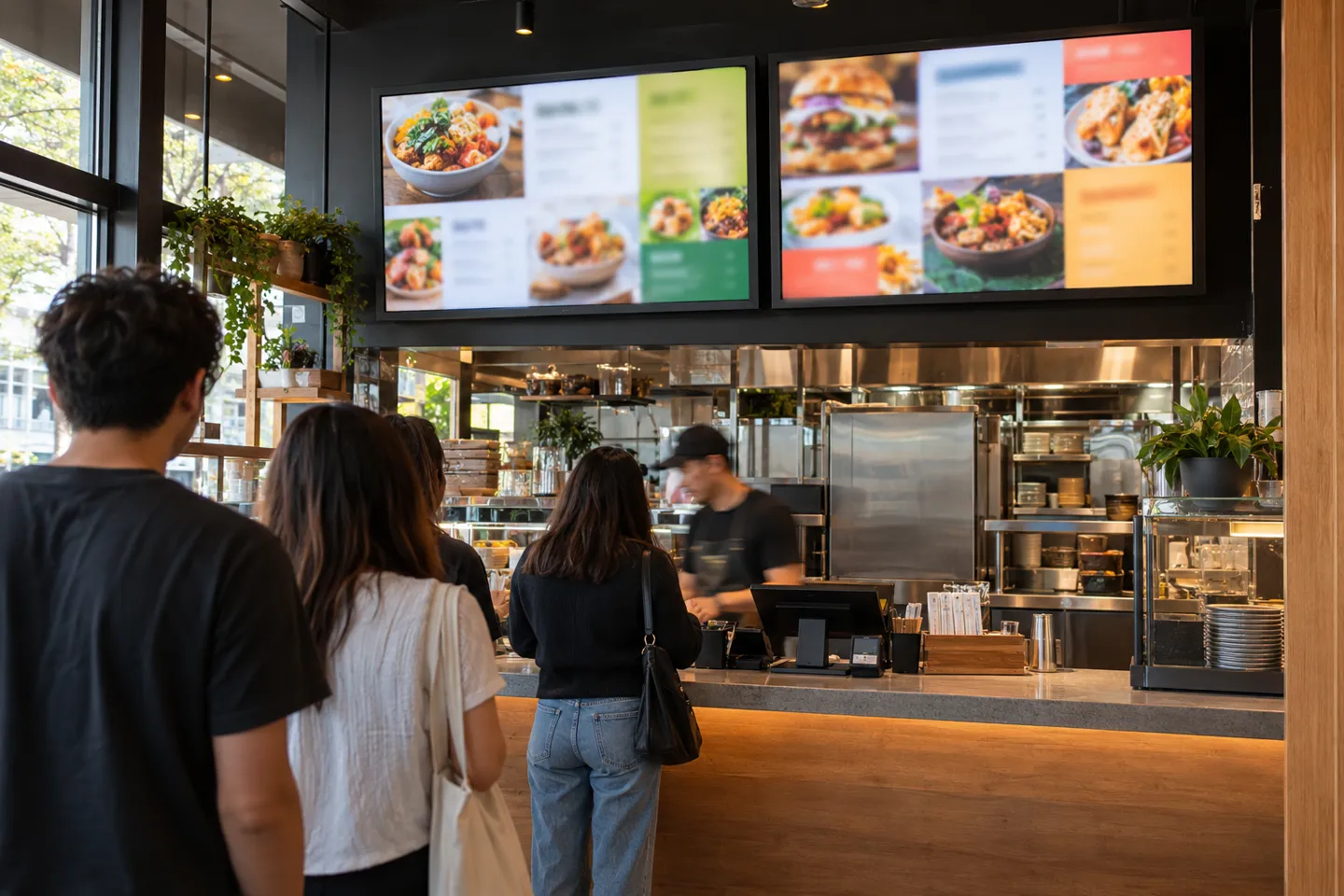
Digital menus are familiar to restaurant guests
For an independent restaurant, the question is no longer whether to switch, but at which level to enter.
The difference sits in the panel, and the failure stories owners swap online are almost all panel or player stories. A stick updated its own software mid-service. A TV quietly slept because of an HDMI setting. A screen played the same layout so long that its owner started worrying about ghost images burned into it (Reddit r/BarOwners, 2024; Reddit r/digitalsignage, 2025).
Brightness and Where the Board Sits
Panel brightness decides where a screen can live, and the tiers are wide. Indoor panels commonly sit in the 350-500 nit range, which is fine for a dining room wall. A board mounted beside or opposite a window fights daylight, and the practical tier there starts around 1,000-2,500 nits. Drive-thru and true outdoor boards need 2,500 nits or more plus weather protection. That is also why an outdoor installation needs a separate specification and quote.
The check is physical, not technical. Stand where the board will hang at the brightest hour your restaurant operates. If you squint at that wall at noon in summer, a 400-nit panel will lose to the sun every day, no matter what the spec sheet promises.
Static Images All Day: Burn-in, Ageing and Warranty
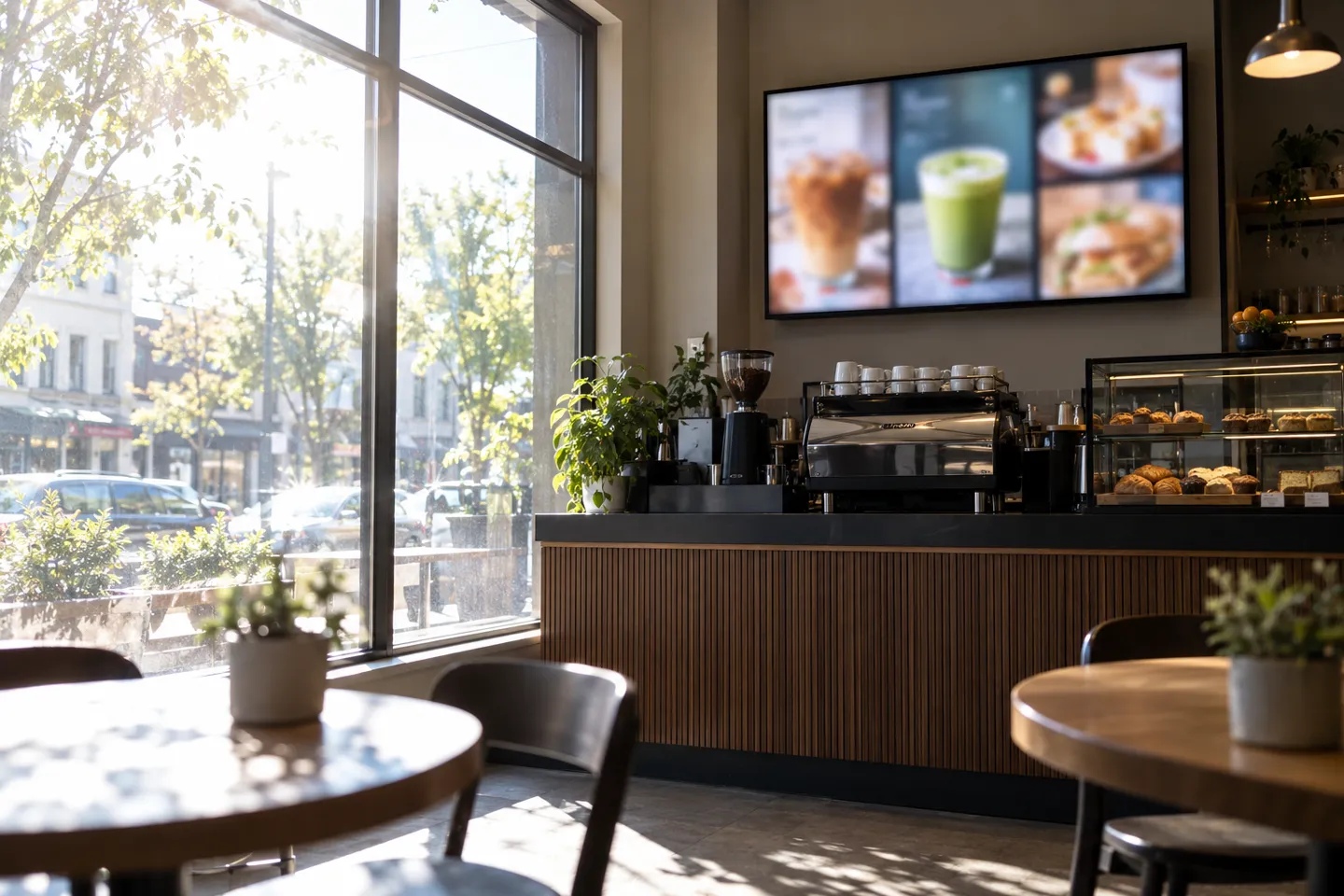
A menu board is the most static content in digital signage. The same six items, the same layout, ten or twelve hours a day, every day. Consumer TVs are engineered around varied, moving content with viewing hours that assume evenings and weekends. Commercial panels are engineered for the opposite: continuous 24/7 schedules, brightness compensation as the backlight ages, and service lives quoted around 50,000 hours.
Warranty is the quiet difference that surfaces at the worst time. Consumer TV warranties typically exclude commercial use, so a TV mounted over a counter may have no warranty at all from day one. Two questions settle it before purchase: is the panel rated for continuous commercial operation, and does the warranty remain valid in a commercial installation?
A consumer TV is a legitimate choice when service hours are short, the content is near-static, the wall never sees direct sun and the menu is landscape. Hit the reverse of any one of those (all-day service, static layouts, a window wall, a portrait menu) and the TV starts failing in ways the receipt will not cover.
Why Guest Expectations Have Changed
Guests increasingly expect menus to reflect current prices, availability and promotions. A digital board can make those changes visible quickly, provided the restaurant has a reliable process for keeping the content accurate.
Choosing your level, then, is a question about your walls and your hours first, and about the panel class second. That is a spec exercise, and specs only make sense per zone.
Send your floor plan, service hours and menu style, and get a per-zone panel recommendation before you order anything.
Get a Panel RecommendationMatching the Spec to the Space
One screen and ten screens are different projects. This section walks the single store first, then the multi-store layer, because the specs that feel optional at one location become mandatory at five.
One Store: Sizing and Mounting by Zone
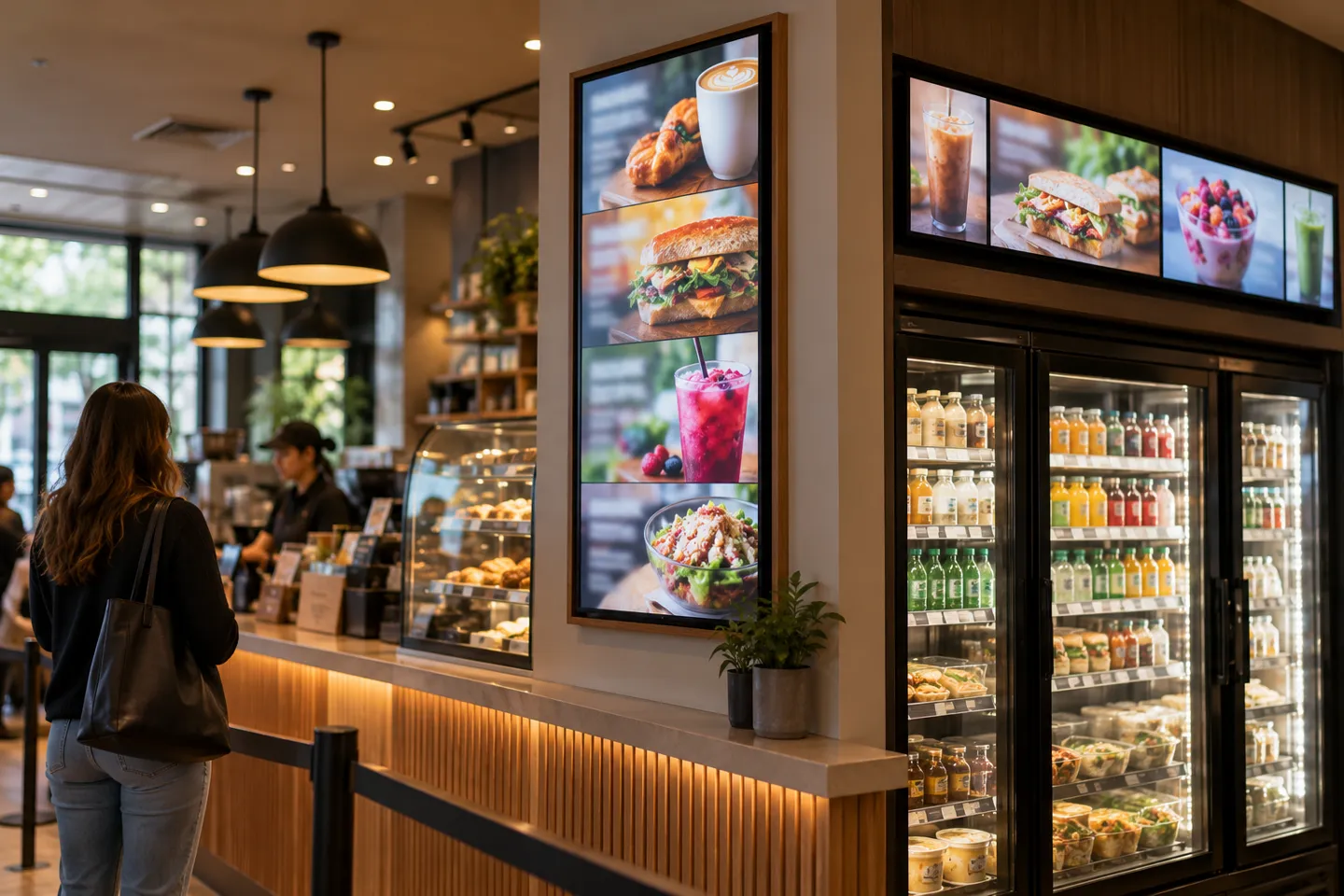
Size follows the wall, not the catalog. The main menu wall behind the counter takes a 43-55 inch landscape panel at standard 1080p, which is plenty at ordering distance. Counter zones and dessert cases work at 24-32 inches, and square 1:1 panels earn their keep on odd wall strips where a 16:9 screen wastes space. Drink towers and narrow side strips above counters or shelving are what stretched bar formats were made for. The class runs roughly 12.3 to 47.6 inches wide, built to fill exactly that kind of gap.
For readability, use the signage rule of thumb: about one inch of letter height per ten feet of viewing distance. A board read from the door at thirty feet needs roughly three-inch letters, which is a layout constraint before it is a hardware one. Portrait orientation suits narrow walls and queue lines; landscape suits the main wall and maps more naturally onto menu grids.
Compare the installed cost of each option, including the panel, mount, player, labor and warranty. A commercial display may cost more upfront, but its operating rating and warranty can make it a better fit for long service hours and static menu layouts.
Multiple Locations: One Menu, Every Store, Same Second
Multi-store work changes the buying criteria before it changes the screens. The requirements that matter are central price updates that propagate everywhere at once, and locked templates so location thirty looks like location one. Scheduled daypart switching hands breakfast over to lunch without a phone call. A POS link pulls a sold-out item off every board automatically.
Multi-screen sync is the part that breaks most often, and operators say so. Bar owners running draft lists on sticks describe screens drifting out of step and needing manual reboots. A survey thread among operators running indoor and drive-thru systems puts content-update latency at the top of the frustration list (Reddit r/BarOwners, 2024; Reddit r/digitalsignage, 2025). Acceptance testing for a rollout should include three actions. Push a price change and time how long it takes to appear on the farthest screen. Force a daypart switch and walk all zones. Pull one player offline and confirm the rest stay in step.
Zone and scene matrix: level, spec, failure boundary
| Scene | Recommended level and spec points | Fails when (check this first) |
|---|---|---|
| Indoor main wall | bundle or single commercial panel; 43-55 inch, 1080p, 350-500 nit | board faces a window and noon glare washes out contrast, so check midday light at the mount point before buying |
| Window or semi-outdoor wall | high-brightness commercial panel; 1,000-2,500 nit | standard indoor panel installed on a sun-facing wall, so count the sun hours that hit the glass |
| Drive-thru lane | outdoor-grade board; 2,500+ nit, weather housing, typically $3,500-8,000 per display before install | brightness or enclosure undersized for lane speed and weather |
| Counter and dessert case | 24-32 inch, square or stretched bar formats | the wall strip is narrower than the panel, so measure the strip before the screen |
| Multi-store chain | managed commercial deployment with CMS and POS link | stores update screens locally and drift out of sync, so define who is allowed to touch a screen |
Read the matrix as a self-check, not a price list. The failure column is where the money is: every boundary in it is a physical fact about your location that you can verify before spending anything.
Keeping Boards Running: Failure Modes and Fixes
Deployed boards fail in patterns, not at random. Four of them account for most of the “the board is off again” moments owners report, and all four leave traces you can catch before a guest does.
The launch routine sets the baseline. Schedule the menu content, then schedule a backup loop that plays if the primary feed fails, and test the overnight on-off timer once with somebody watching. A timer that silently fails is invisible until the opening shift.
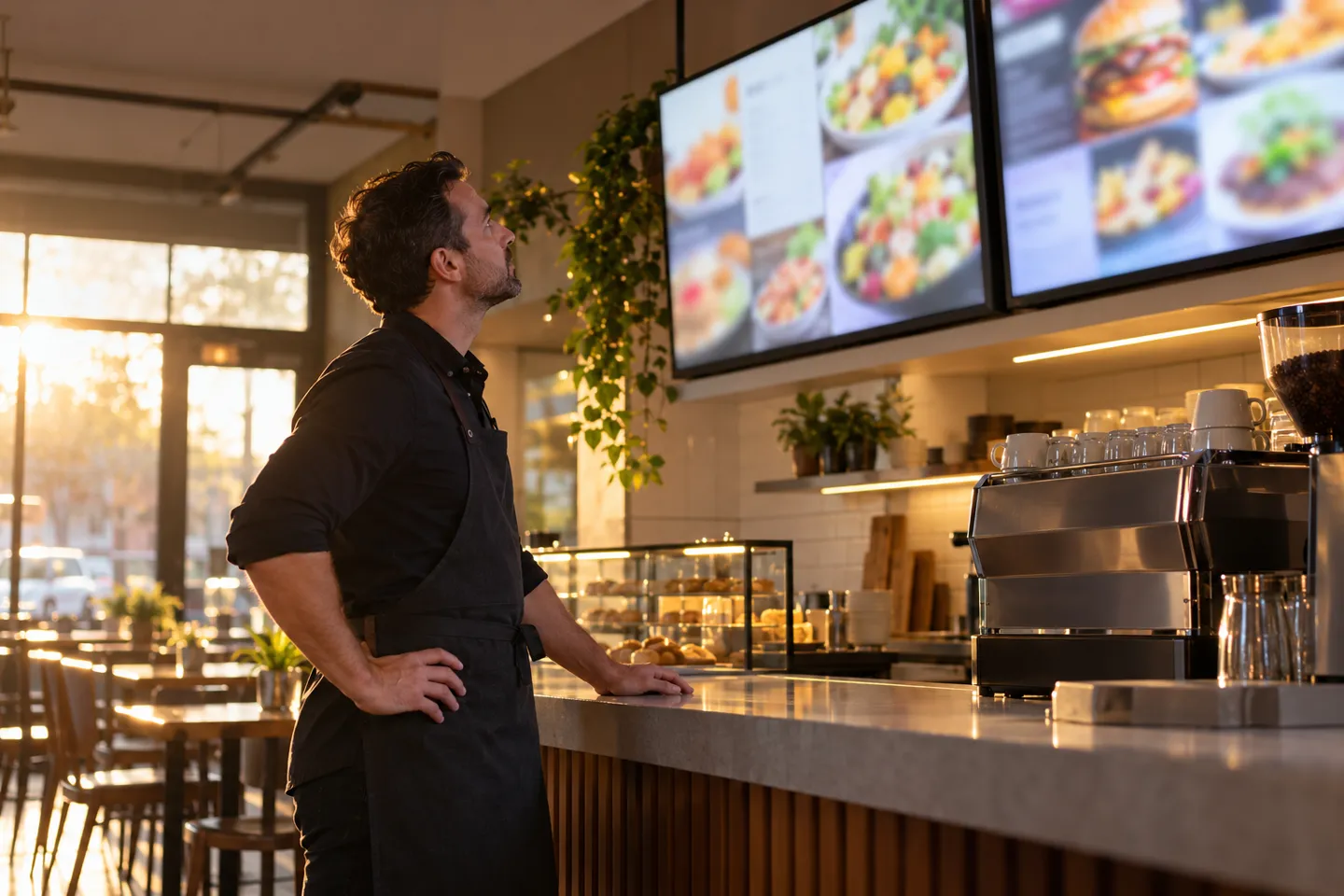
The daily habit is sixty seconds at open: every screen powered, every screen playing the right campaign, prices matching the POS. That is the whole inspection, and it catches half of the four failures on contact.
Know the four patterns by their symptoms. A player that updated its own software overnight and refuses to play is the pattern bar owners describe with streaming sticks (Reddit r/BarOwners, 2024). Lock auto-updates to closed hours and the problem never reaches service time. A screen that sleeps itself is usually HDMI-CEC misfiring; disable CEC or pin the sleep schedule. Screens drifting out of step mean someone is updating locally; restore a single source of truth and re-verify weekly. Faint ghost images after months of the same layout are early burn-in; ask the panel vendor whether pixel refresh or shift is available and rotate the layout seasonally.
Board health checklist
Daily at open
- Screens on
- Correct campaign playing
- Prices match POS
Weekly
- Re-sync check across screens
- Confirm no player updated itself
- Glance for ghost images on static zones
Monthly
- Verify backup loop still plays
- Review sleep timers
- Rotate seasonal layout
None of this is hard. It is simply work, and at one store the work is invisible. At ten stores it is a job, which is the point where owners stop asking about screens and start asking who can carry the whole deployment.
The Supply Side: How the Menu Board Business Actually Works
Buyers arrive at a supplier in three waves, and they look similar from the shop floor while wanting different businesses. The first wave walks in with a bundle budget for one screen. The second has done the forum reading and wants a commercial panel that will survive the wall, with the right brightness tier and a warranty that holds in commercial use. The third, a multi-store group or the integrator serving one, is not buying screens at all. They are buying a rollout: the same menu in every store, bezels and boot screens in their brand, delivery dates that match store openings. And spares, for when a panel dies in year three.
Price the Tier, Not the Screen
A DIY indoor setup and a weatherproof drive-thru installation share a keyword and almost nothing else, which is why quoting “per screen” loses deals at both ends. At the low end, a free template beats any hardware margin. At the high end, the buyer is weighing spec fit, customization and the supply chain behind the rollout, and the panel price is one line among many. The tier business lives in what catalogs cannot flatten: brightness matched to the wall, portrait and bar formats matched to the space, and 24/7 panel ratings matched to the hours. It lives just as much in samples matched to project timelines and warranty terms matched to commercial reality.
That is also where the inventory logic sits for a distributor. Standard commercial panels move in volume but compete with every electronics shelf in the region. Custom work is where margin and loyalty actually accumulate: brand-specific sizes, bezel colors, boot screens, software interfaces and predictable production windows. The free-template economy cannot reproduce any of it. The service layer is part of the same logic. Helping a restaurant group pick the correct tier for each wall is expertise, and expertise does not show up in a price-comparison table. The supply map follows the waves. E-commerce bundles fit the first wave. Local AV integrators fit install-heavy projects. Factory-direct channels fit multi-store rollouts and custom programs, where delivery windows and warranty handling decide the award.
We fit the third wave. Zhsunyco builds the commercial panel side of restaurant menu boards. The range covers stretched bar LCD displays in the 12.3-47.6 inch class for side columns and drink towers. It also covers square and round panels for counter zones, and shelf-edge strips for pickup areas. Every panel in it is 24/7-rated, with service lives around 50,000 hours. Our custom menu board hardware program covers logo, boot screen, bezel color, panel size and the software interface. Custom samples take about 7 days. Standard production runs about 7 days, with rush orders in 3-5, and custom mass production in about 15 days. Hardware carries a 1-year warranty with lifetime software upgrades, and LCD orders start from a single piece, which is how most distributors test a restaurant program before scaling it.
For a single store, most of this paragraph is background noise, and that is fine. For anyone comparing suppliers on a rollout, the paragraphs above are the scorecard: the tier you buy should match the wave you are in.
Zhsunyco keeps the full menu-board panel range online, from 12.3-inch stretched bars to square counter displays, all on 24/7-rated commercial panels. It is a practical shortlist when you are comparing suppliers by tier rather than by price.
Talk to the Factory About Your Menu Board Rollout
Zhsunyco builds 24/7-rated menu board panels in stretched bar, square and shelf-edge formats, with custom bezel, boot screen and software interface, samples in about 7 days and LCD orders from a single piece.
Request a Custom QuoteПрепратки
- Reddit r/BarOwners. Digital menu boards for Drafts. 2024.
- Reddit r/digitalsignage. What’s your biggest frustration with digital menu boards? 2025.
- Reddit r/restaurantowners. Digital Menu Board Software? 2023.

 English
 Russian
 Spanish
 German
 Arabic
 French
 Bulgarian
 Polish
 Romanian
 Turkish
 Portuguese